Hi everyone  ,
,
In this post, I’ll show you how to fitler the listing.
Steps
1. Open the Module
Open the Module that contains the Listing you want to filter.
2. Click the Filter icon
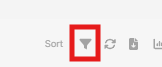
At the top-right of the Listing, locate the Filter icon next to Sort . Click the Filter icon to open the filtering options.
3. View the filter conditions
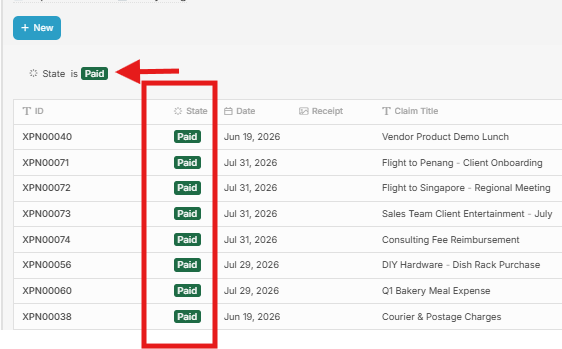
After clicking the Filter icon, the filter condition will appear below the New button.
You can now select the field and condition you want to use for filtering.
For example: Display only records with the State is Paid.