This page will guide you to setup Inistate for ChatGPT step-by-step.
Steps
Web Browser
-
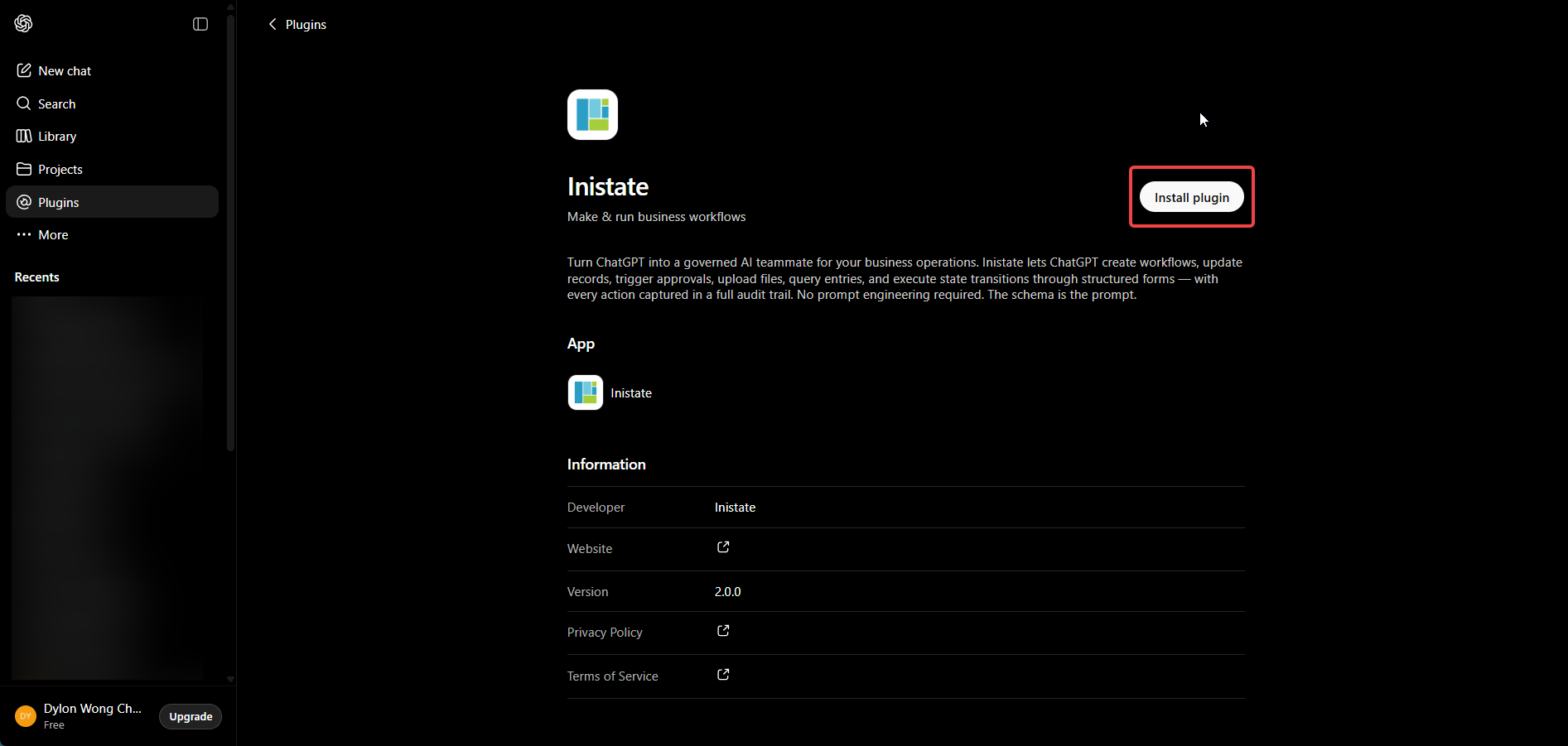
Go to Inistate Plugin. Then click on the Install plugin button.
-
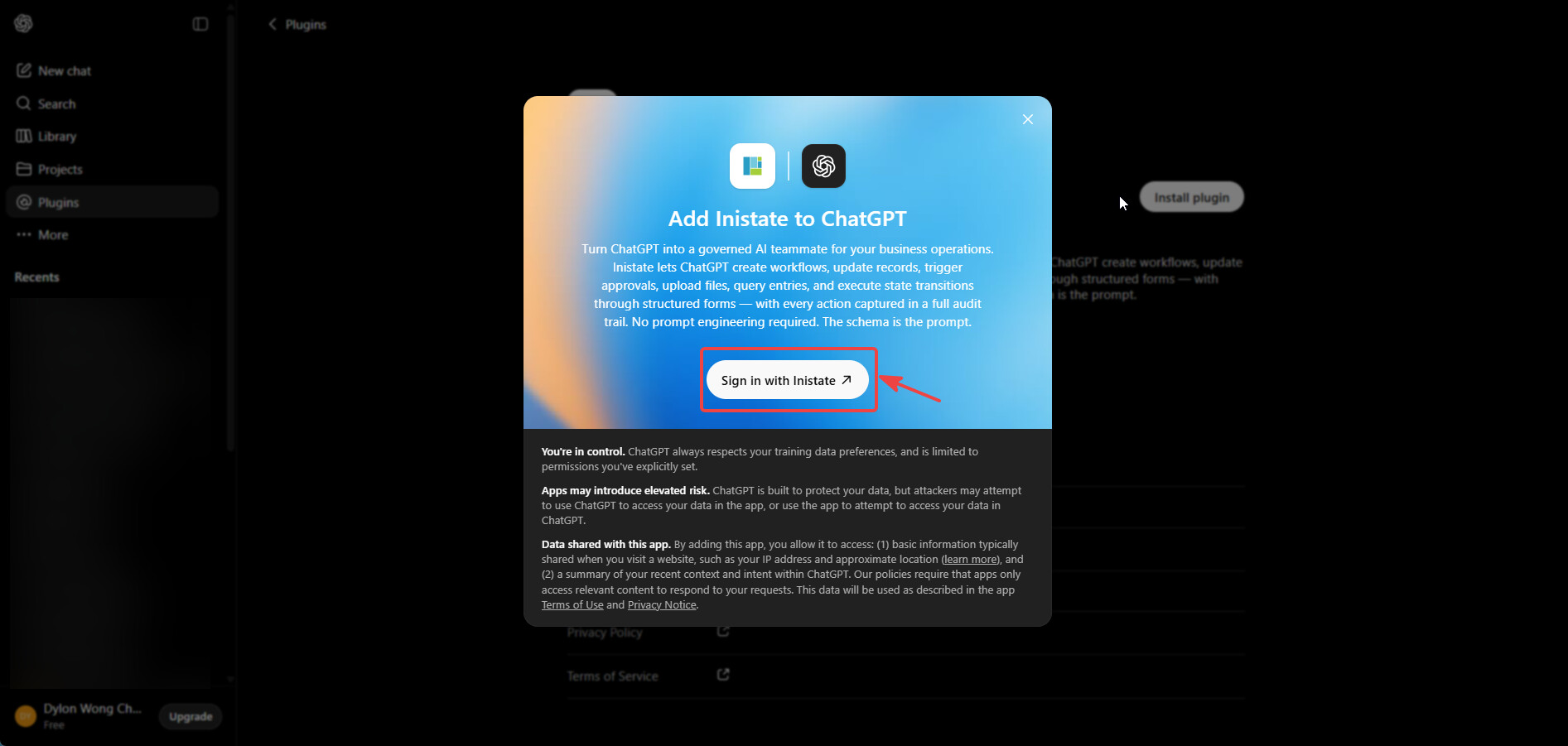
A modal shall pop up, click on Sign in with Inistate button.
-
You will be redirected to Inistate’s login page. If you are new or is logged out, you should see this page. See step 3.A if you are already logged in.
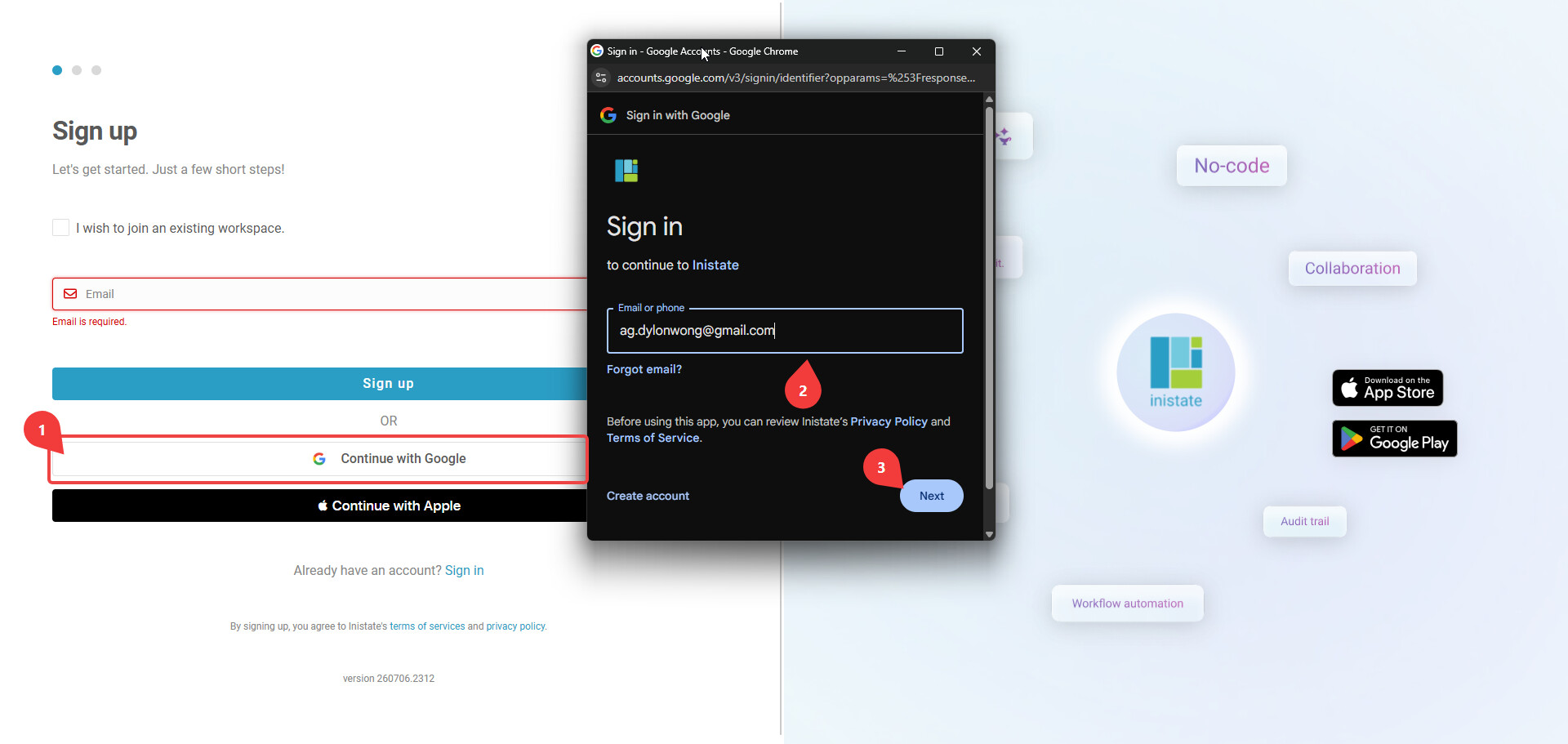
3.1. For new user, you may sign up with any method you like. The demo shows signing up with Google.
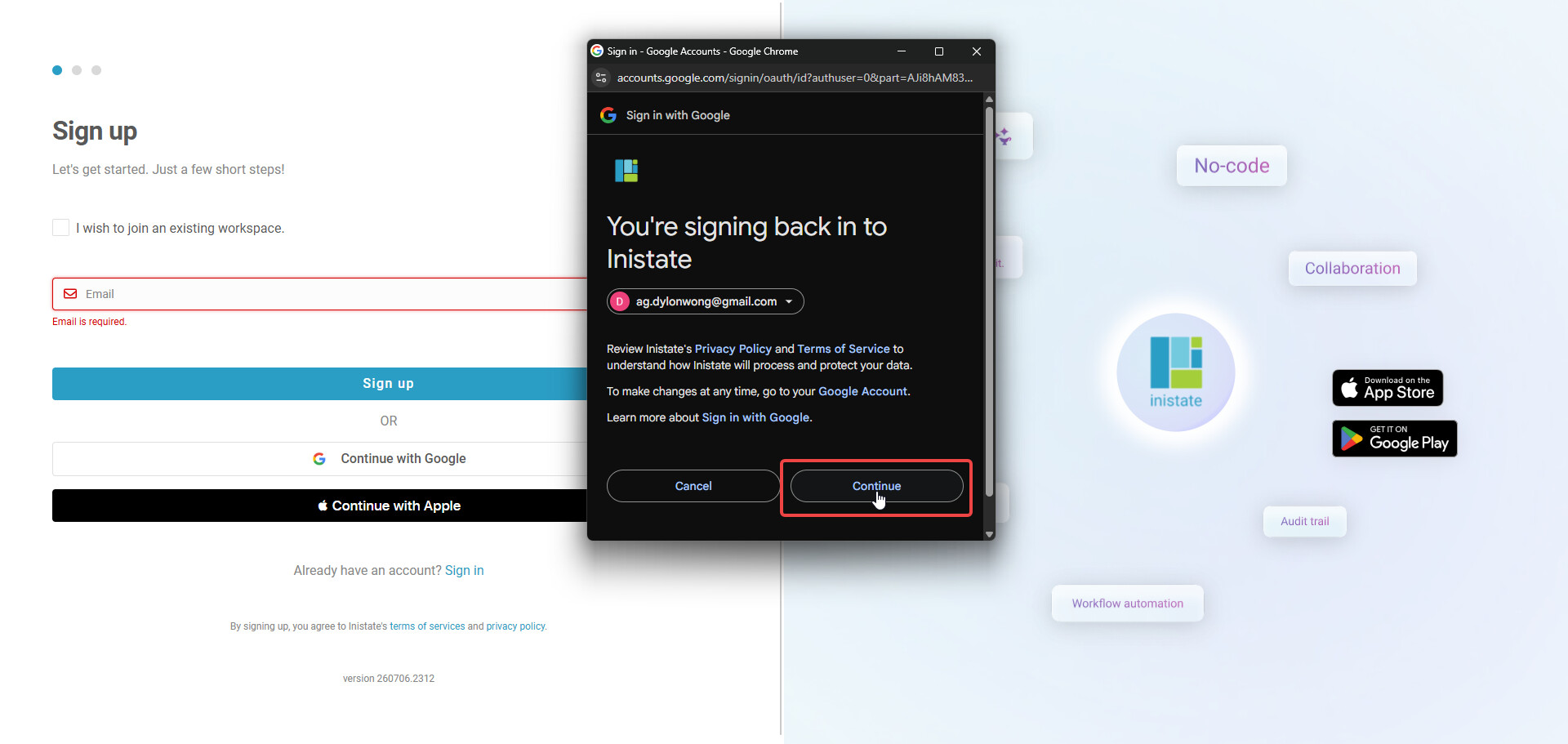
3.2 After entering password, you should be shown this modal. Click on Continue to finish signing up.

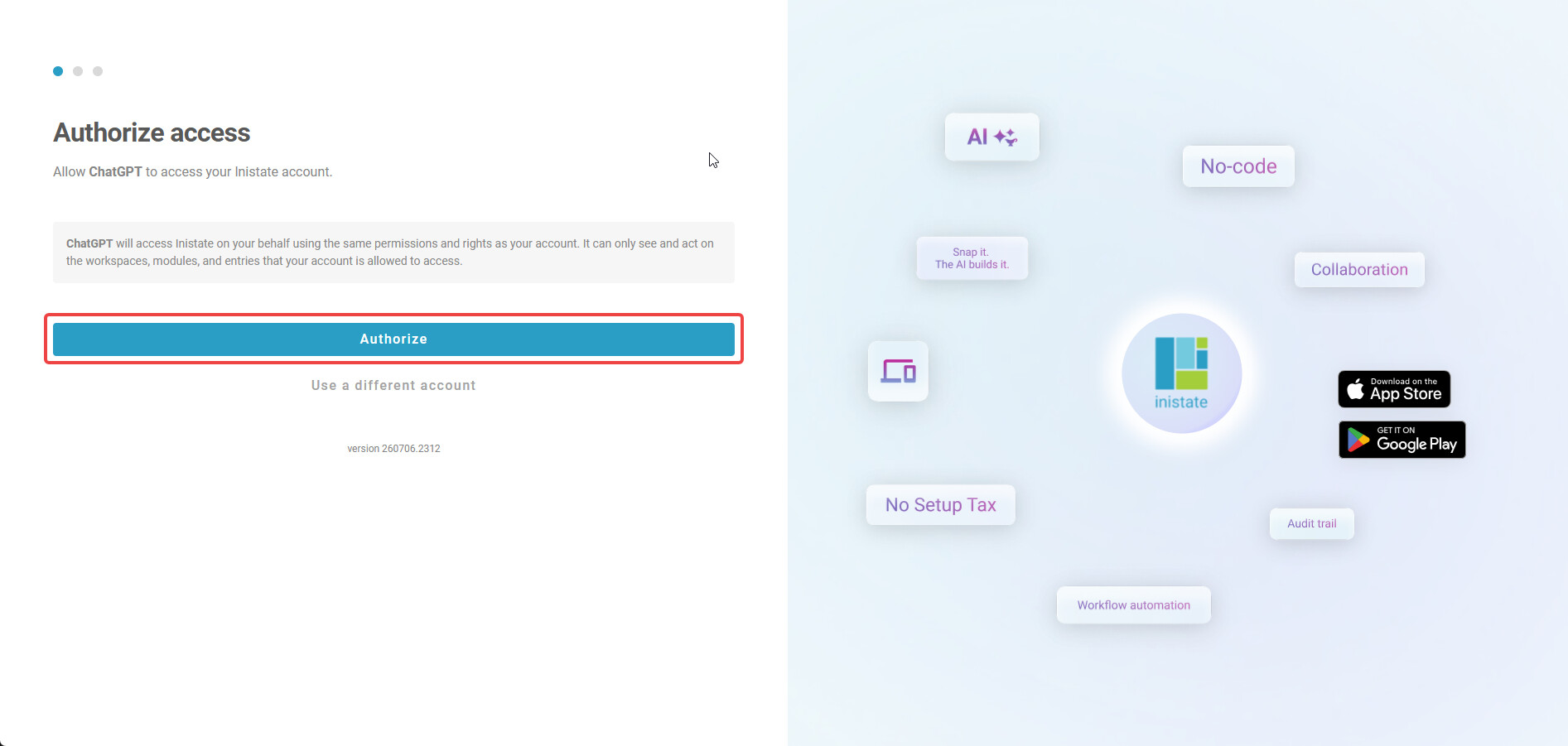
3.A. For logged in user, you shall see this page. Click on ‘Authorize’ to continue.
-
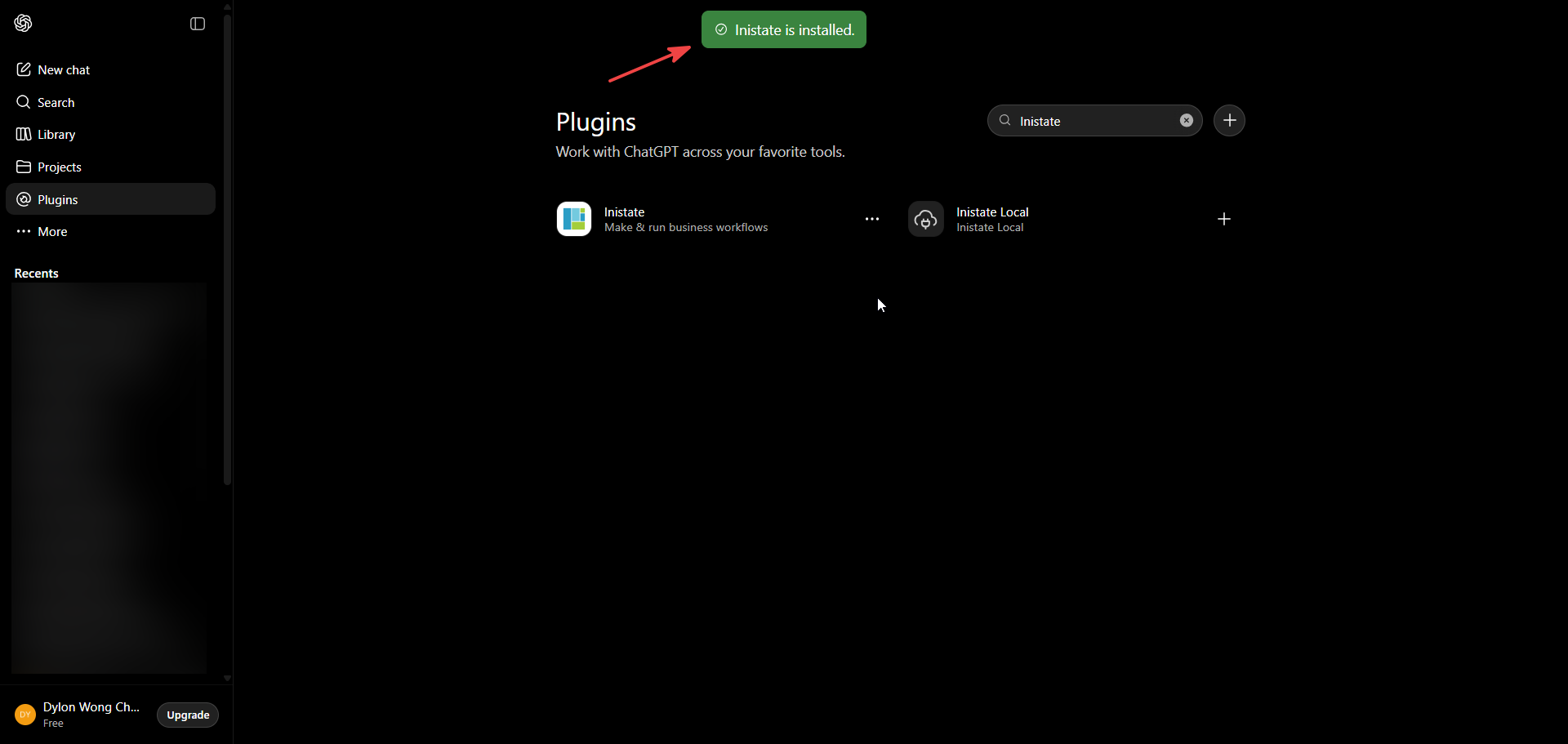
Once done, you shall receive this message.
-
Done. Now you can start using it!
Usage
-
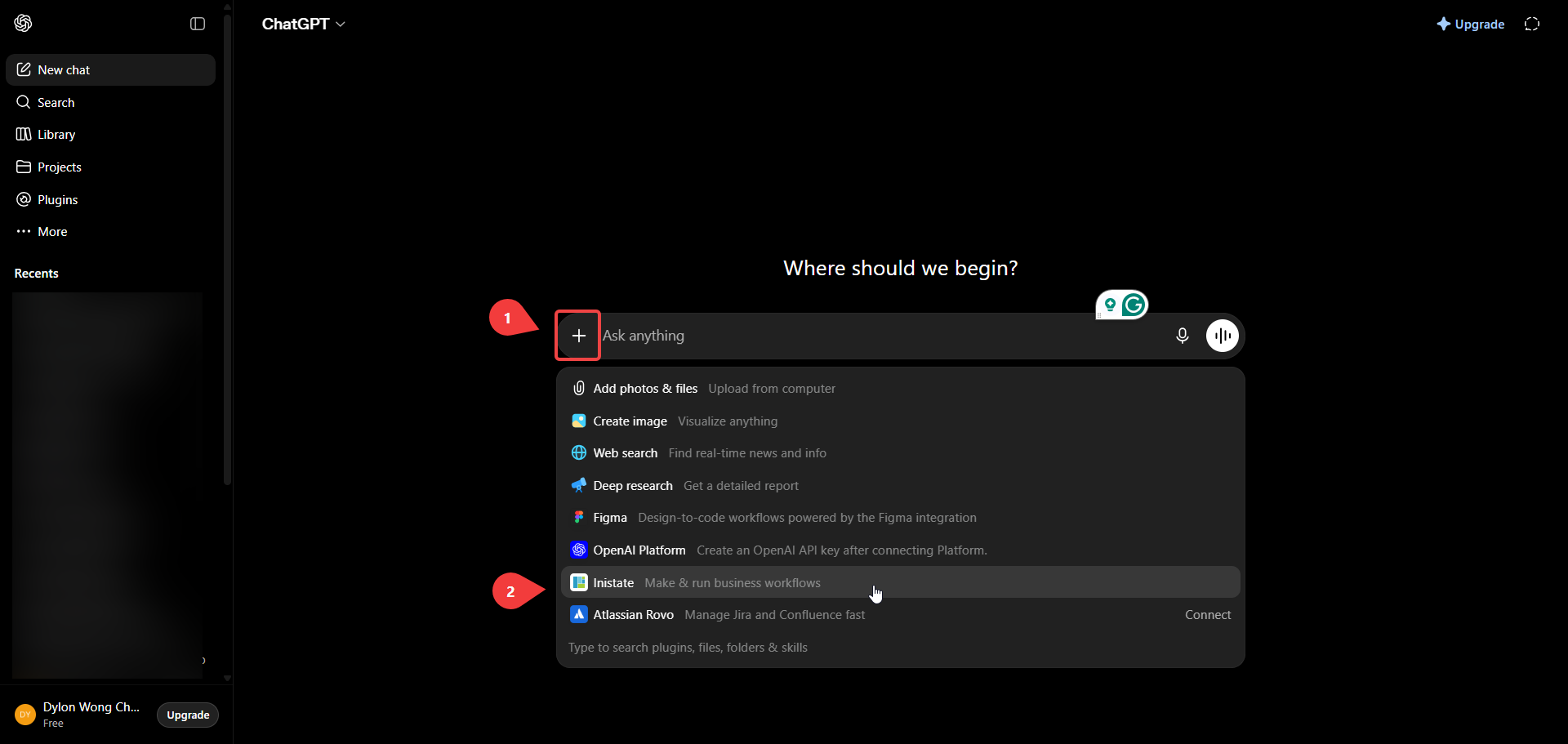
Click the “+” button at the left of the chat input. Then choose “Inistate”.
-
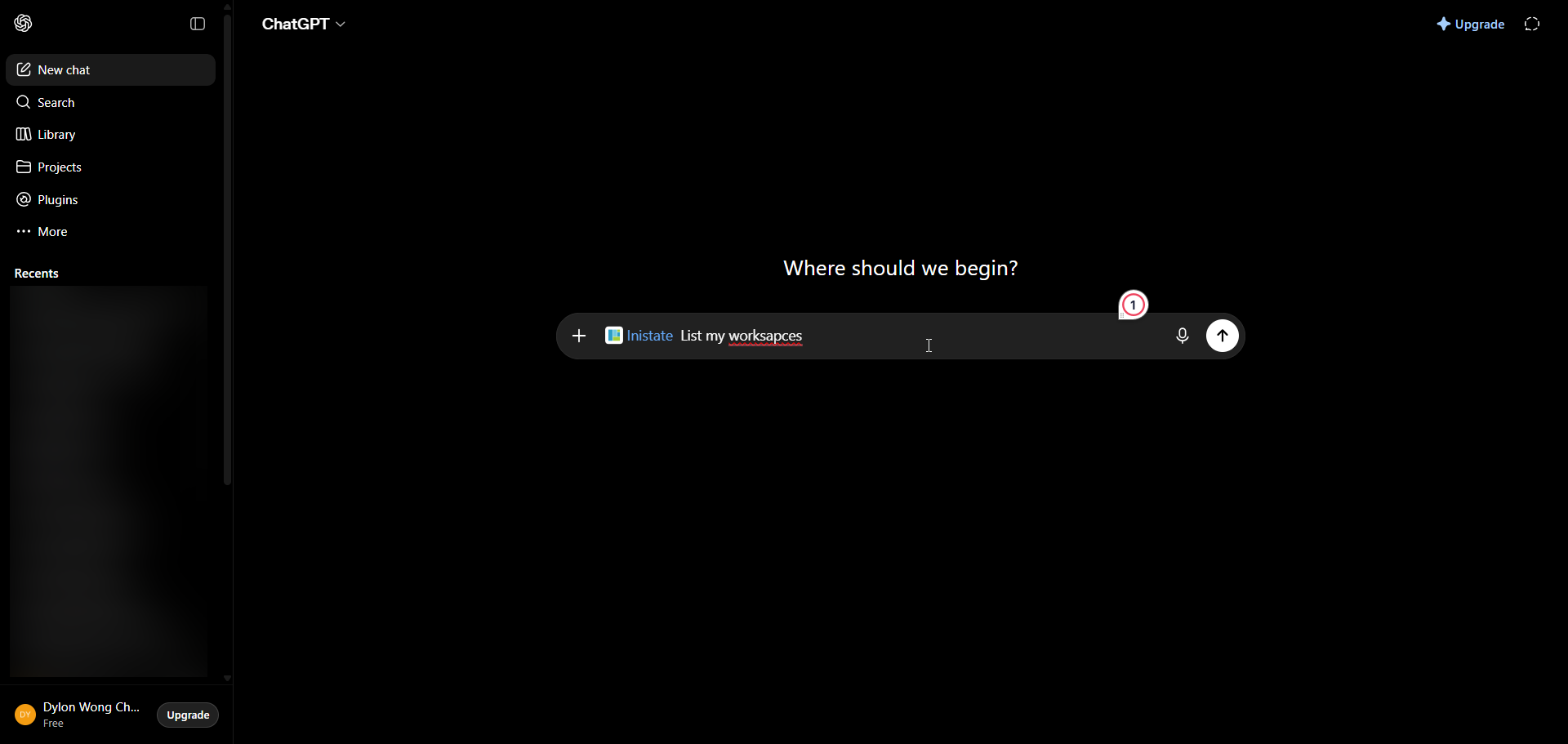
Start using.
-
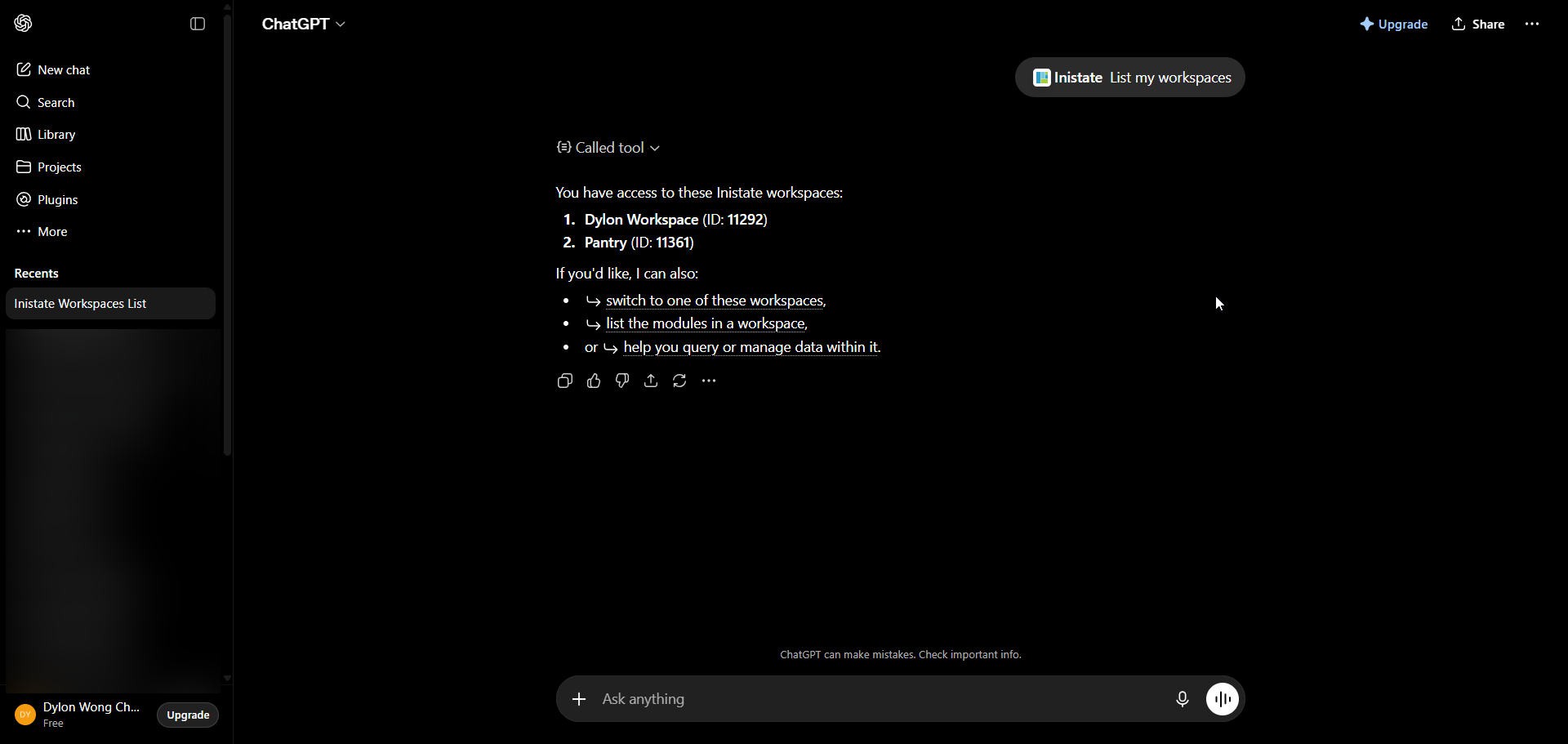
Result
ChatGPT Mobile App
- Open ChatGPT and open the Sidebar/
- Go to Plugins
You may skip these installation steps if you have already done the connection in Web.
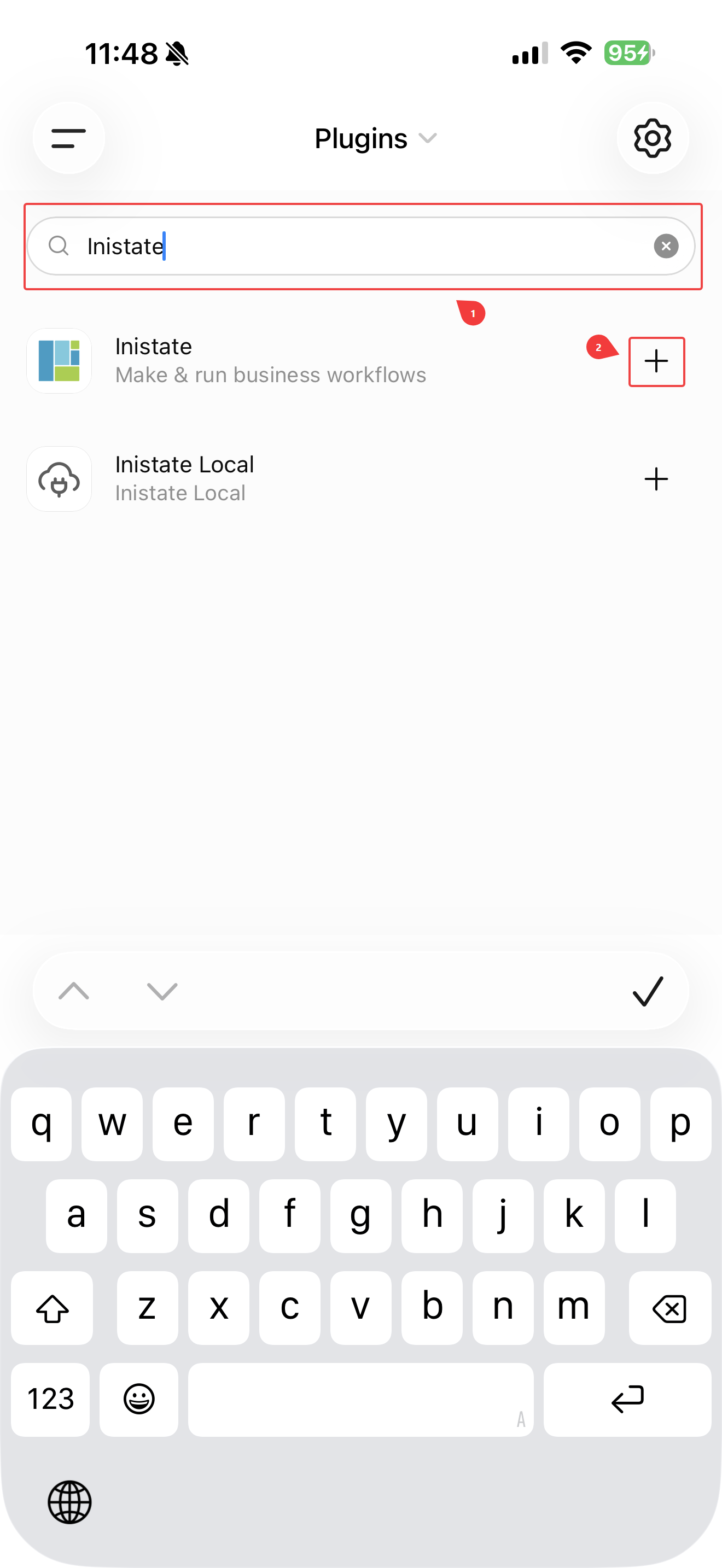
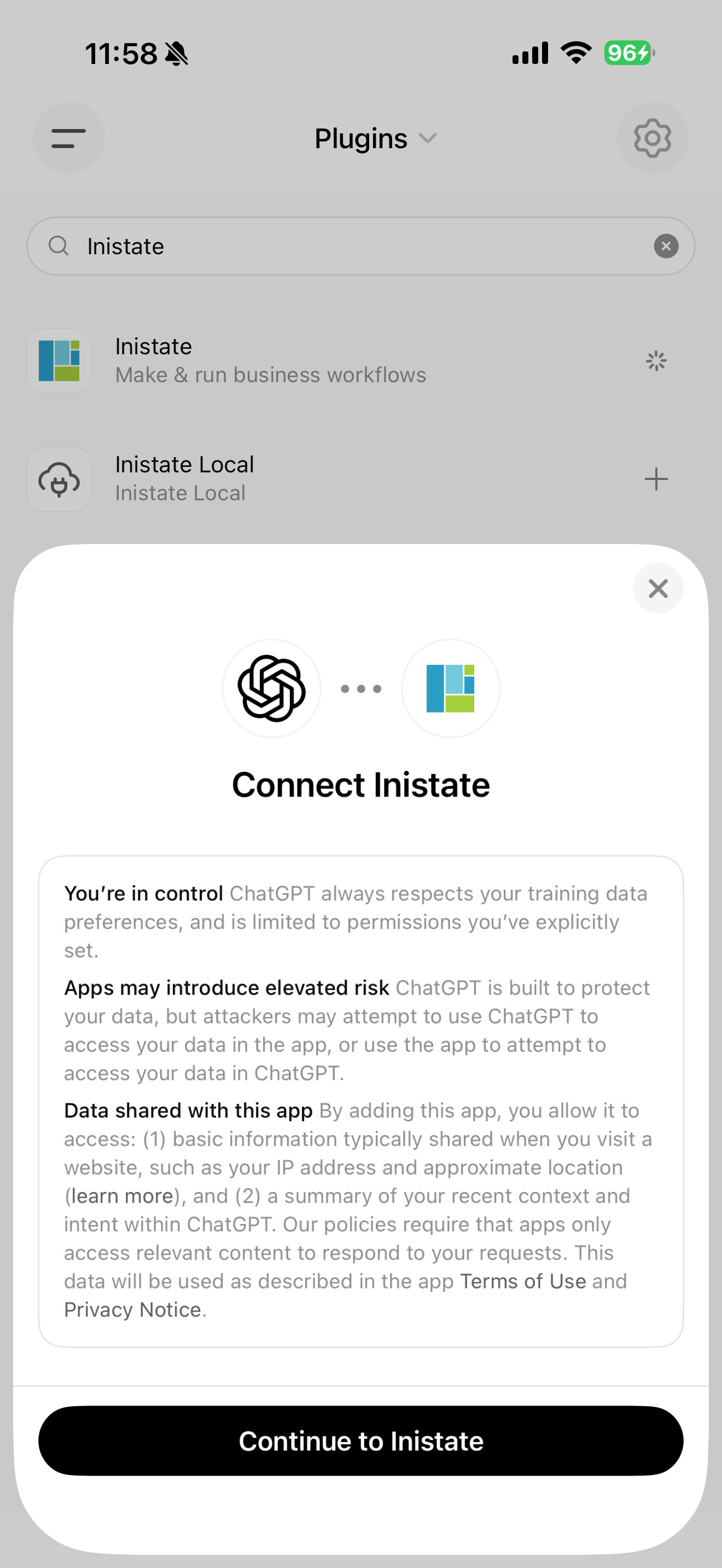
- Search for Inistate and click on the “+” button.
- Tap on the Connect to Inistate buttton once prompted.
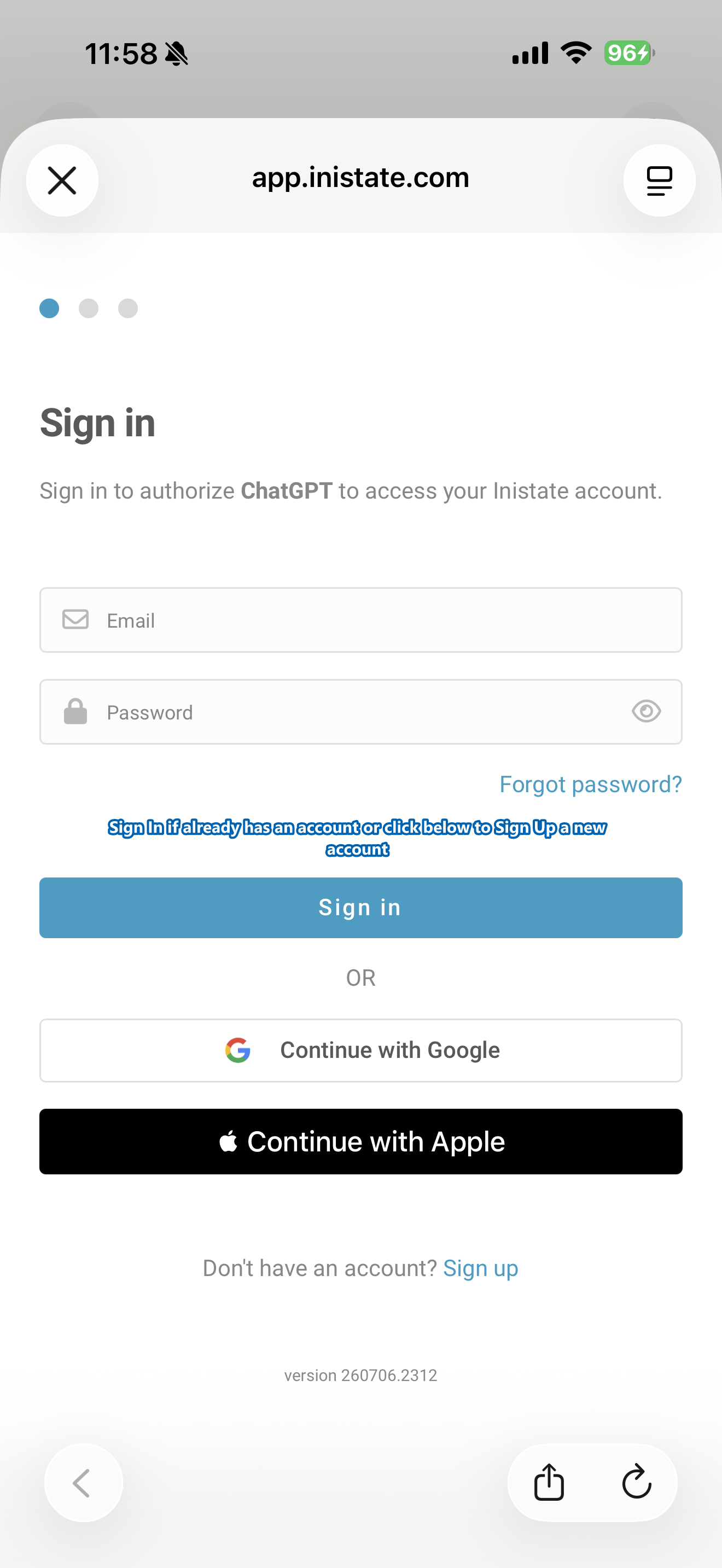
- You shall see a login page like this, proceed to Sign In or Sign Up.
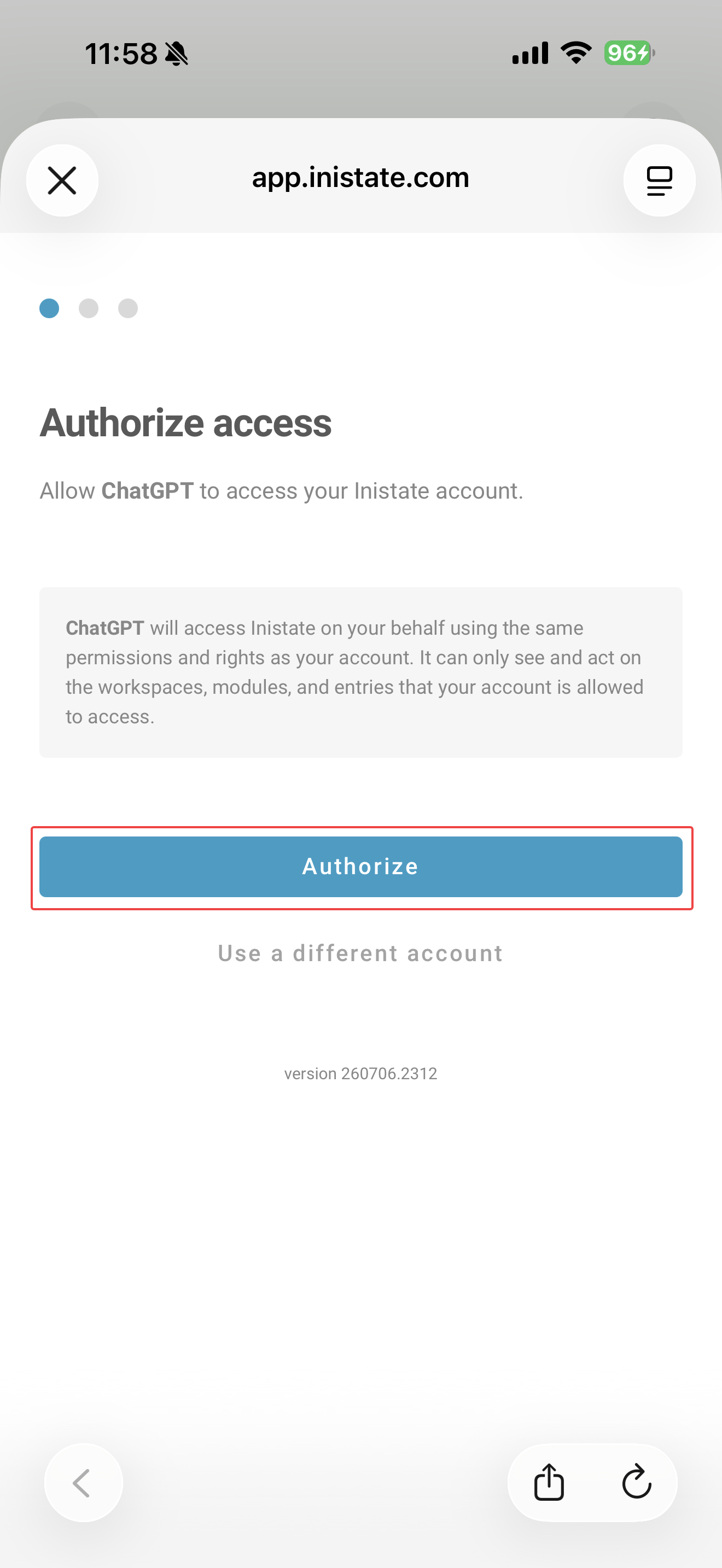
5.1 If you are already logged in, you may see this. Click Authorize to continue.
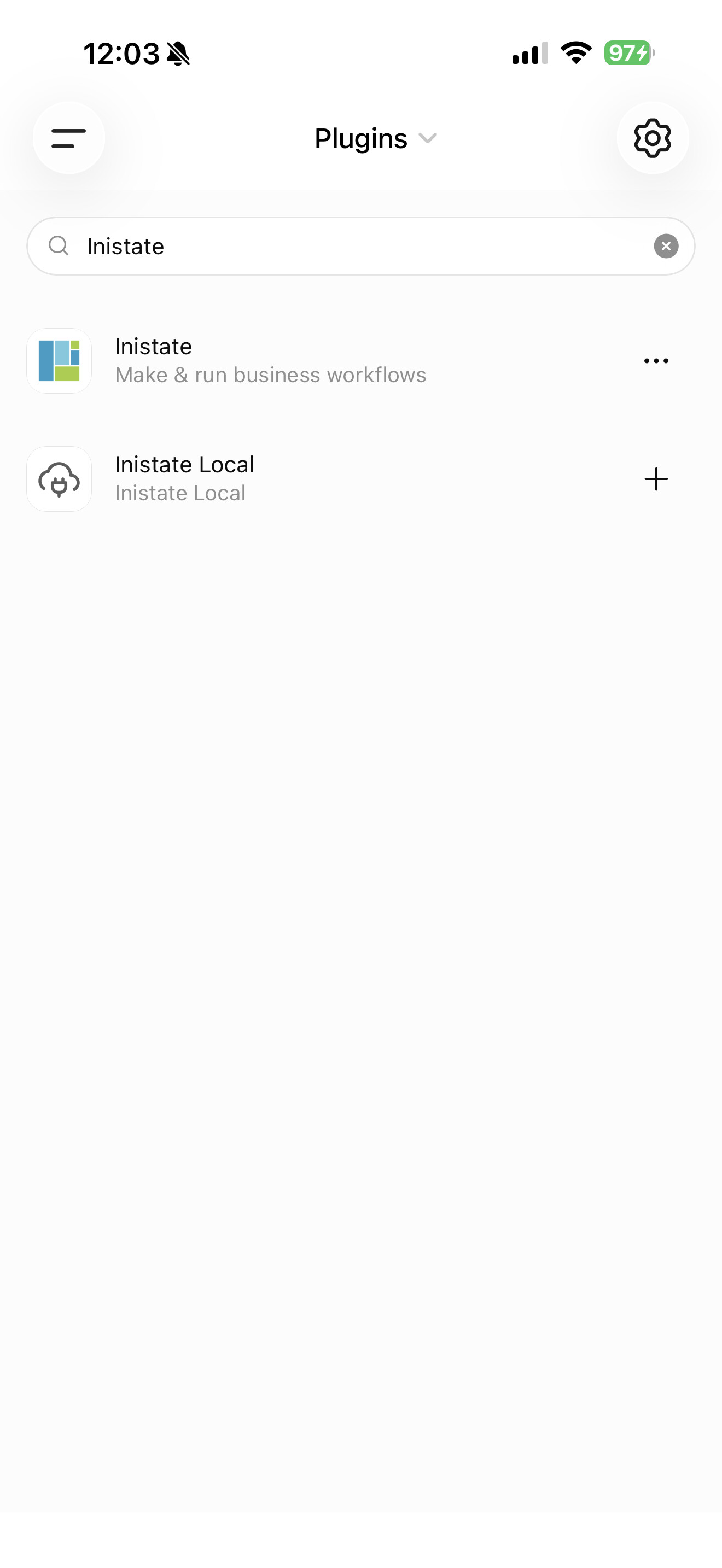
- Once connected, you will be redirected back to ChatGPT. The ‘+’ button will become “…” indicating the connection is successful.
- You may now go back to the chat and start using it.
Usage
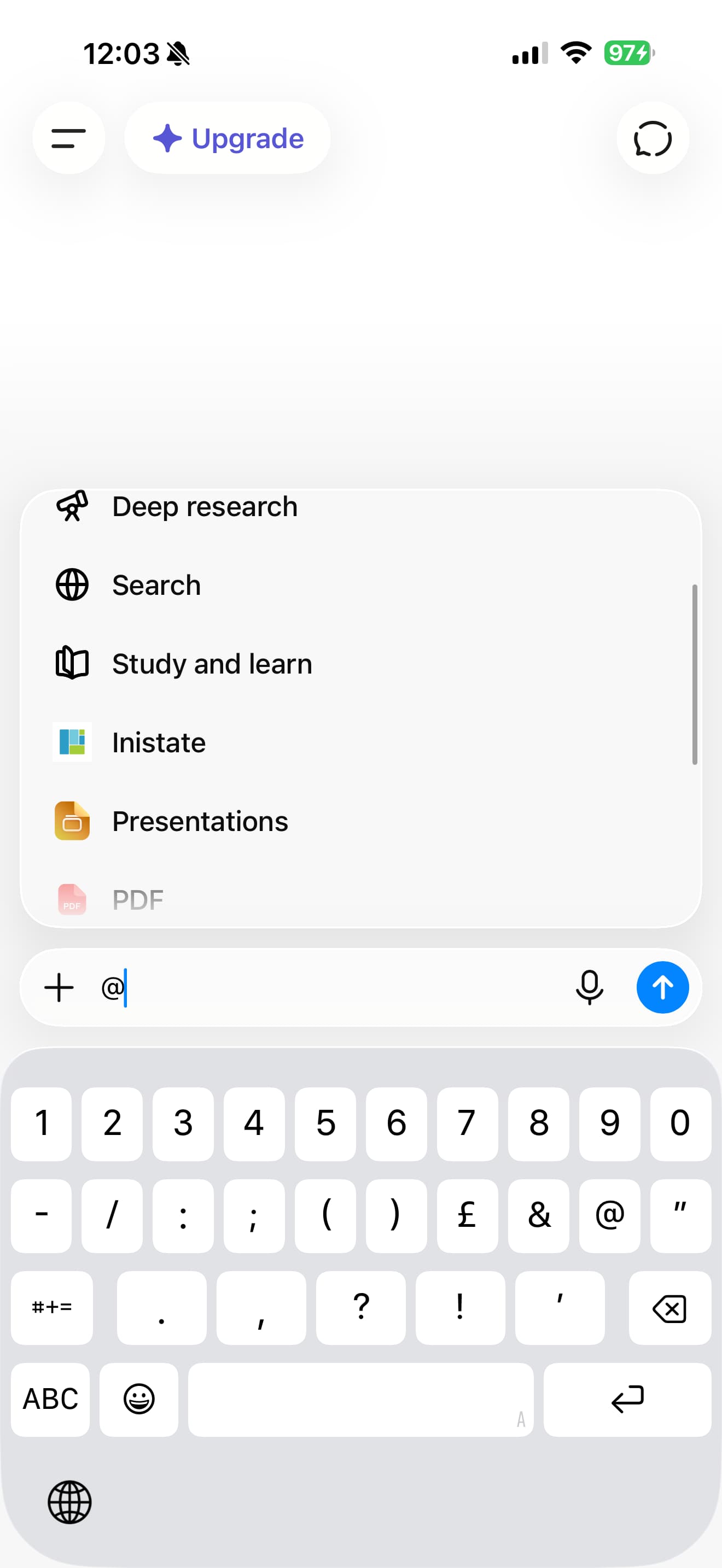
- You may start with “@” and Inistate shall show up as an option. Tap it, then type any message and send.
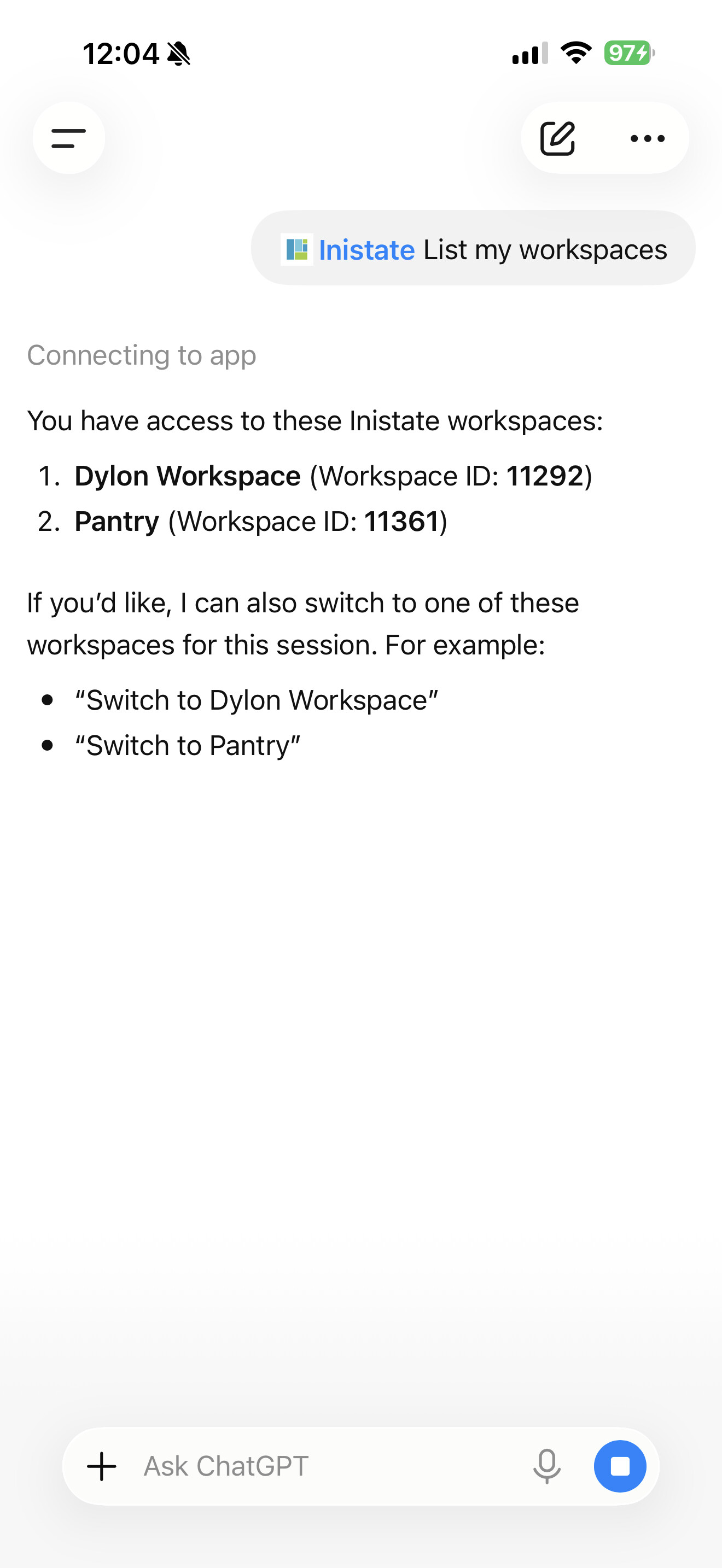
- Result shall be like this