Hi everyone! 
Purchase orders can take days or weeks to complete. When goods arrive, someone needs to update the delivered quantity and move the purchase order to the correct state.
By connecting Inistate with n8n, we can use a Telegram message to update a purchase order.
Inistate Setup
Create a Purchase Order module with these fields:
- PO Number
- Item Name
- Requested Quantity
- Delivery Quantity
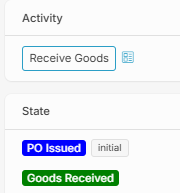
Set up the relevant activity and states to track the purchase order throughout its lifecycle.
n8n Workflow Setup
-
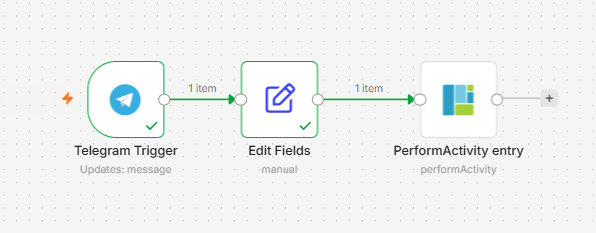
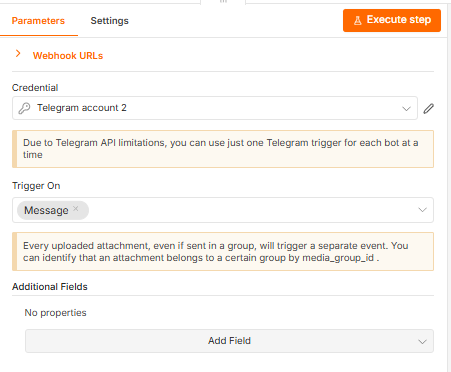
Telegram Trigger – Receive Message
Receive a Telegram message containing the PO number and delivery quantity.
-
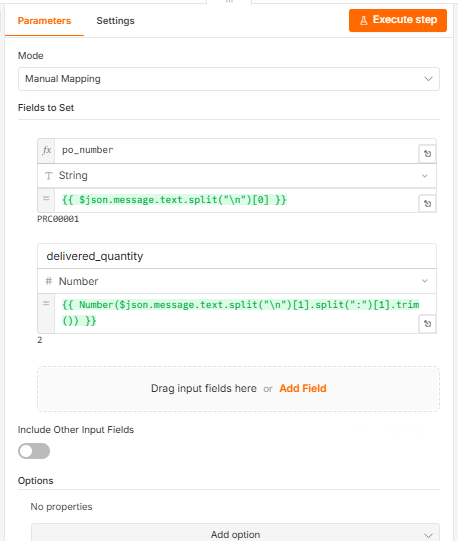
Edit Fields
Extract and organize the PO number and delivery quantity from the message.
-
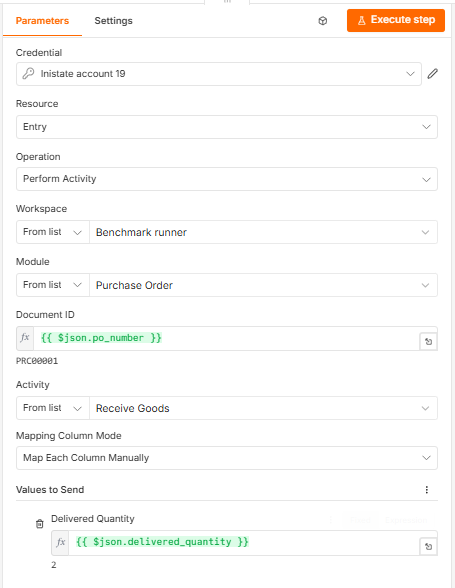
Inistate – Perform Activity
Perform the relevant activity on the purchase order entry. Change the purchase order’s state and update its delivery quantity in Inistate.
How It Works
For example, send a Telegram message containing the purchase order number and delivered quantity. n8n processes the message and sends the relevant updates to Inistate.
The purchase order’s delivery information and state remain recorded in Inistate, making the process easier to track.
Why This Helps
- Purchase orders can remain in their initial state while waiting for goods to arrive by leveraging long-running capabilities.
- Delivery quantities and state updates are directly recorded against the relevant purchase order through state management.
By combining Inistate and n8n, teams can manage ongoing purchase orders and update their progress with less manual work.