Hi Inistate Community!
The Change an Entry State action allows n8n to change the state of an Inistate entry automatically.
This is useful when the event that changes the state happens outside Inistate .
For example, instead of asking someone to manually change an invoice from Pending Payment to Paid , n8n can update the state when a payment system confirms the payment.
A simple example
Imagine an invoice in Inistate with the state:
Pending Payment
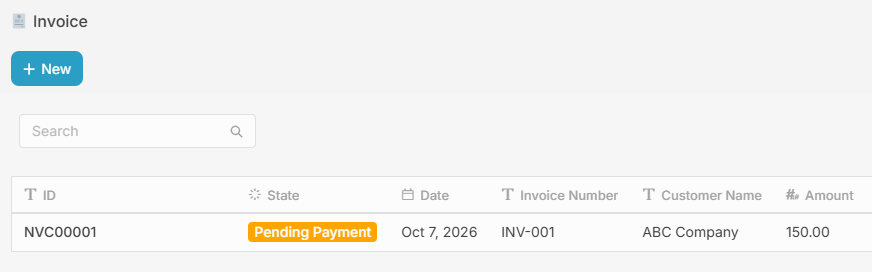
When the payment is successfully completed, the payment system sends a webhook to n8n.
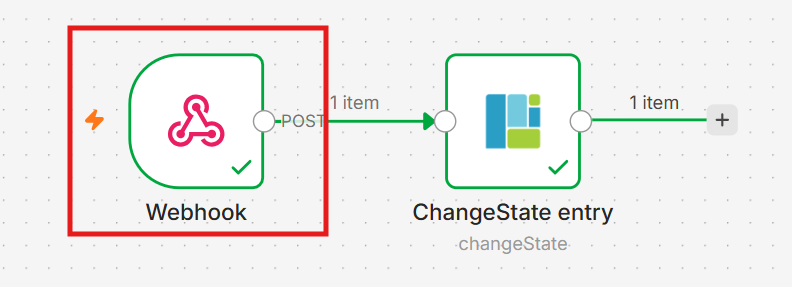
The workflow
1. Payment Webhook
n8n receives the payment confirmation.
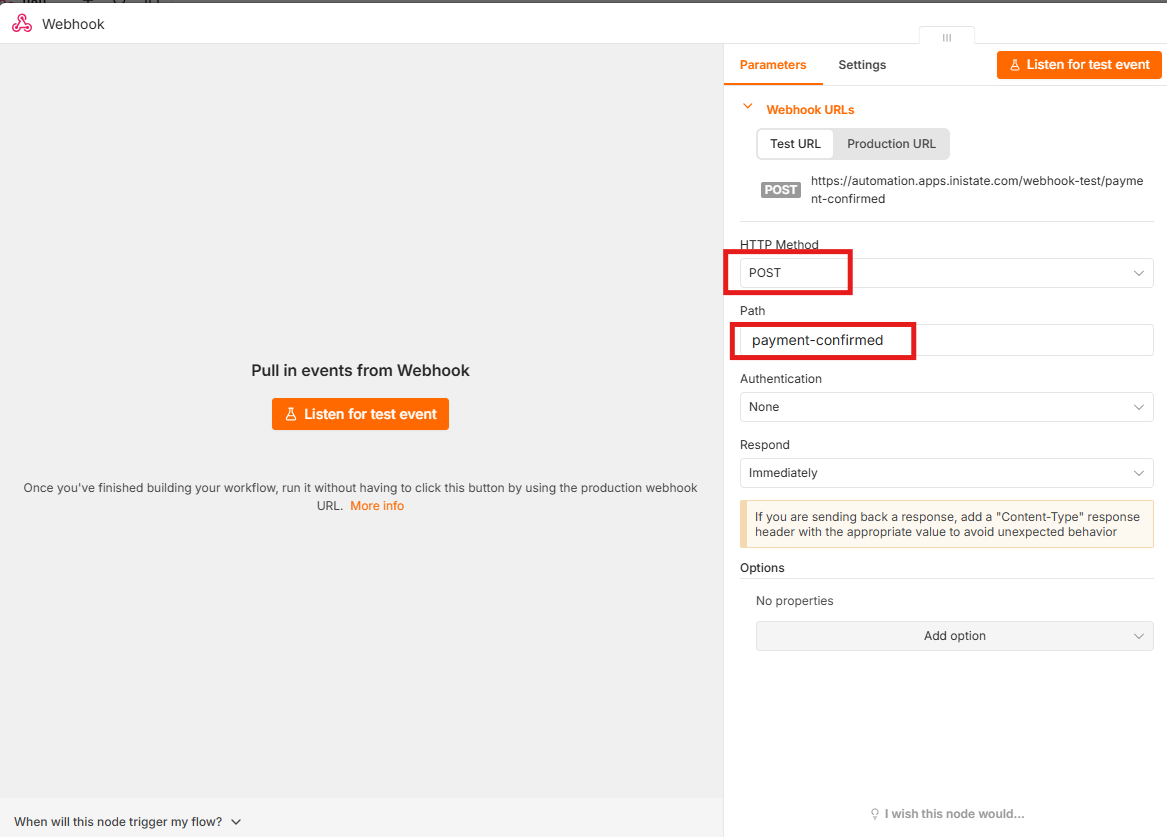
↓
2. Change an Entry State
n8n changes the Inistate entry from:
Pending Payment → Paid
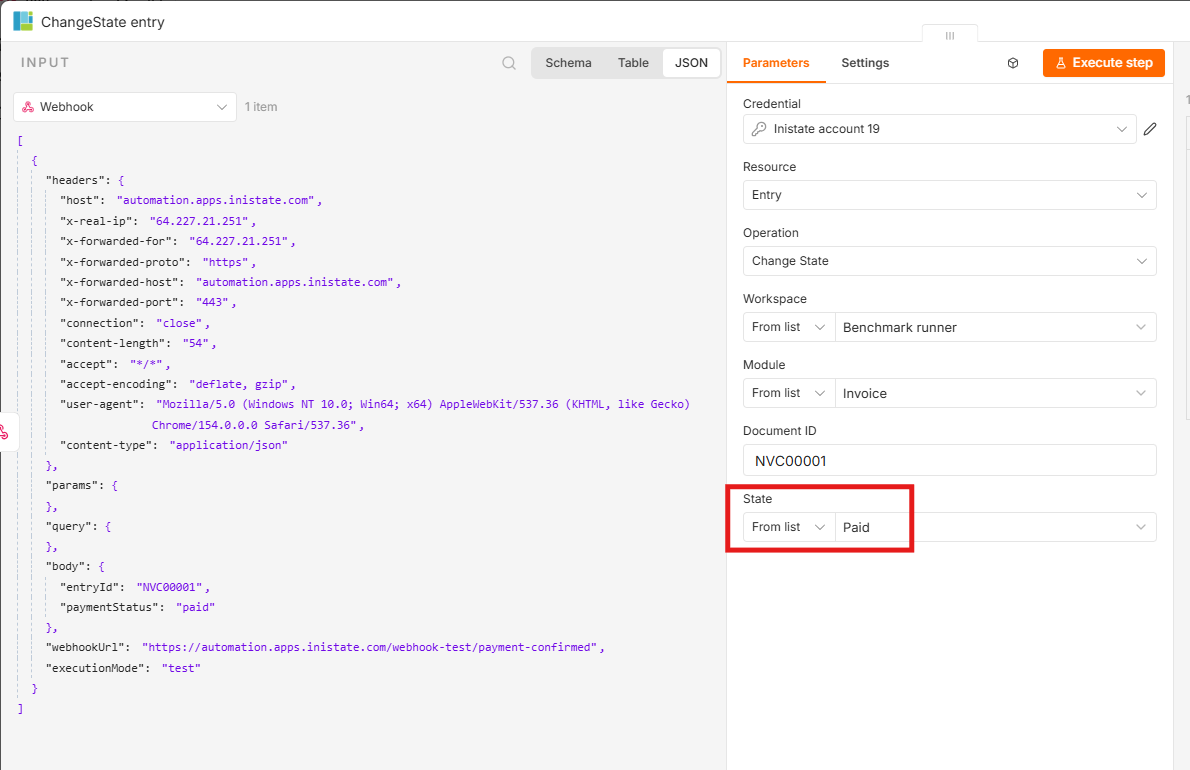
Result
The invoice is automatically updated to Paid in Inistate.
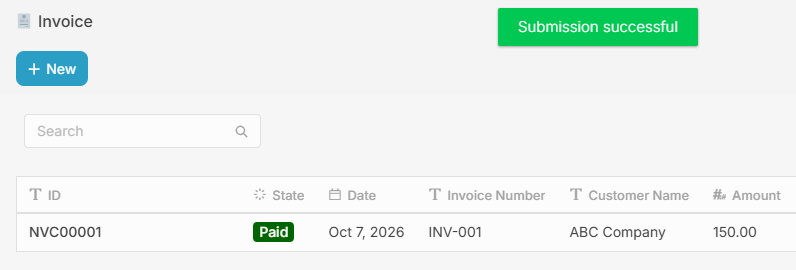
This keeps the payment status and business state management in one place, while n8n handles the automation.
It can also be part of a larger state machine , where each state represents a different stage of the invoice process.