Purpose:
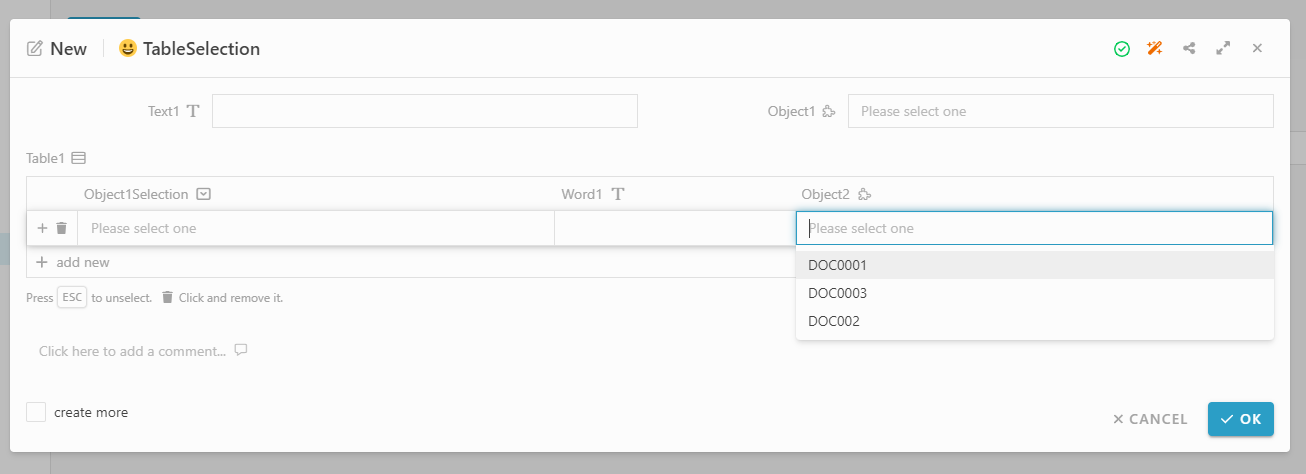
We have a Module type information field in table cell.
In normally, the module selection will list all the related module entries to select.
But this time, we’ll let them only list out the selected entries those fulfill the condition of the filtering by us.
This post will show you 2 types to do filtering of the module type selection field in table inside:
-
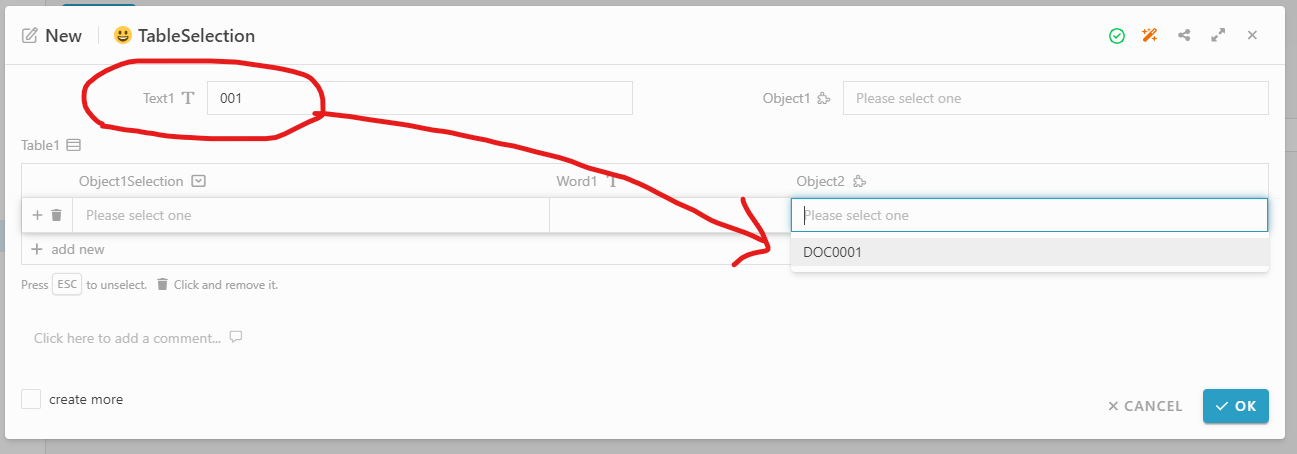
Filtering base on information in form side
-
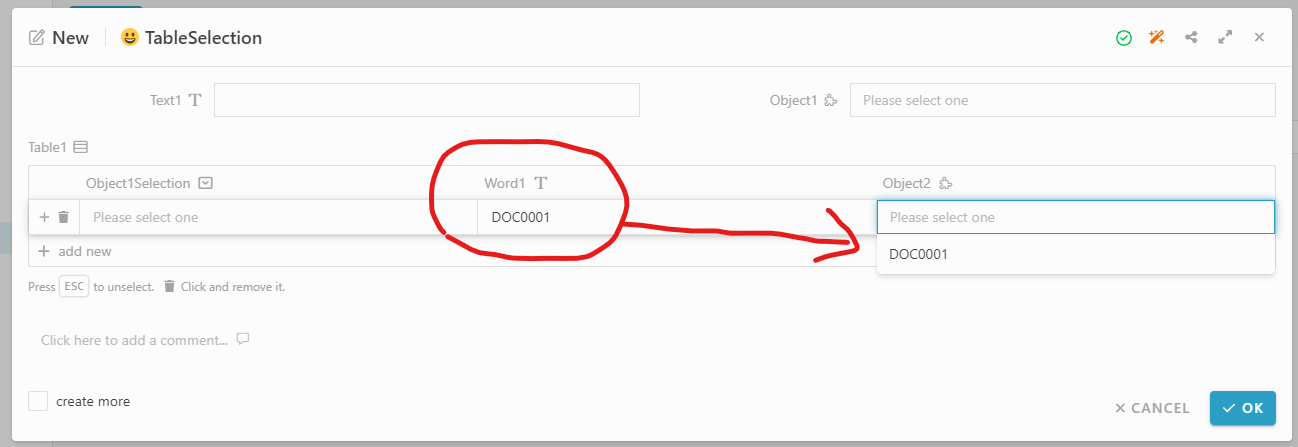
Filtering base on another column’s value with same row in table inside
Step:
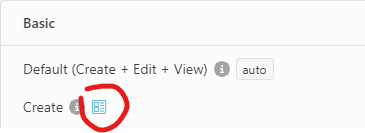
- In Studio, go to the form design. If didn’t have form design, please create it in Basic: (Default / Create / Edit / View) or in Activity.
. - Create/Drag a Text type information “Text1” in form design

. - Create/Drag a Table type information in form design
Then add a Module type column “Object2” in table inside
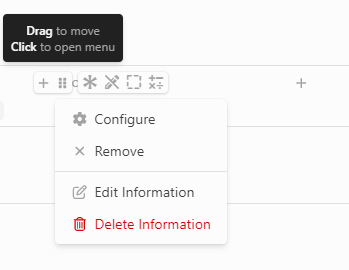
. - Move the mouse to that module column, will show the basic function
click 6 dots icon in that module column, then click Configure
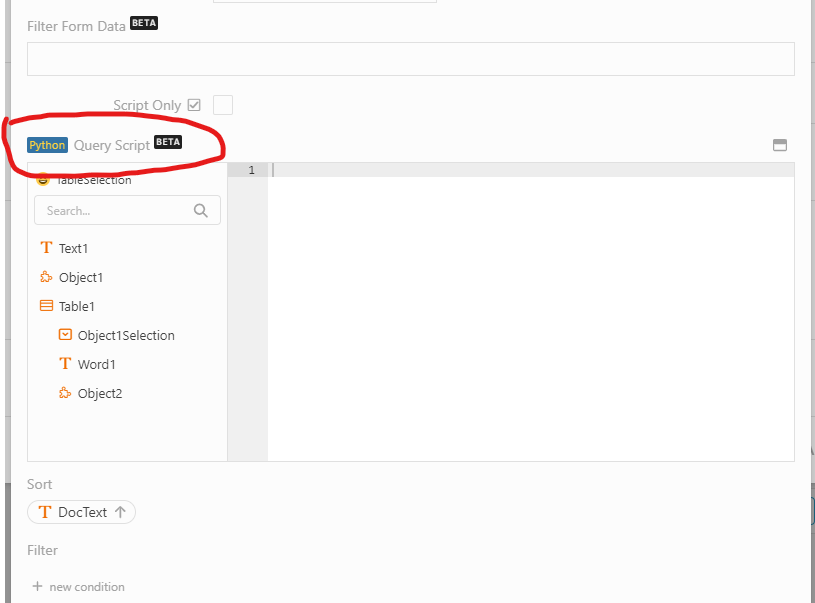
. - In Query Script, we use scripting to do filtering function in here
. - Write the script in Query Script:

-
Filtering base on information in form side:
Use Text1 field in form to filter the Object2 module selection in table
if payload['formData'] is not None and payload['formData']['nCFbhG'] is not None and len(str(payload['formData']['nCFbhG'])):
    filter = {'Dynamic.Extension.xnYOyx': {'$regex' : payload['formData']['nCFbhG']}}
    query['$and'] = JArray.FromObject([filter])
-
payload['formData']['nCFbhG']=> Text1 field name in form -
'Dynamic.Extension.xnYOyx'=> An information’s field name from related module -
'$regex'=> Comment of MongoDB, used to find similar value from the records
.
-
Filtering base on another column’s value with same row in table inside:
Use Word1 column field to filter the Object2 module selection in same row of table
if payload['data'] is not None and payload['data']['egxDNy'] is not None and len(str(payload['data']['egxDNy'])):
    filter = {'Dynamic.Extension.xnYOyx': {'$regex' : payload['data']['egxDNy']}}
    query['$and'] = JArray.FromObject([filter])
-
payload['data']['egxDNy']=> Word1 field name in table row -
'Dynamic.Extension.xnYOyx'=> An information’s field name from related module -
'$regex'=> Comment of MongoDB, used to find similar value from the records
.
- Set the field name that use in query script:
. - Click OK and save the module
