When you attach photos to a comment, the file format can affect whether a thumbnail or image preview appears.
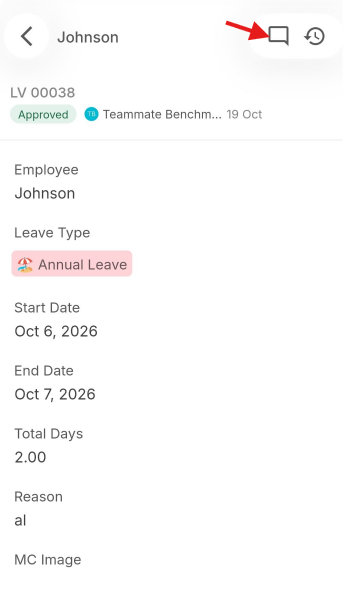
 Photos captured directly using the mobile camera
Photos taken directly through the app on iOS or Android are automatically converted to JPG format.
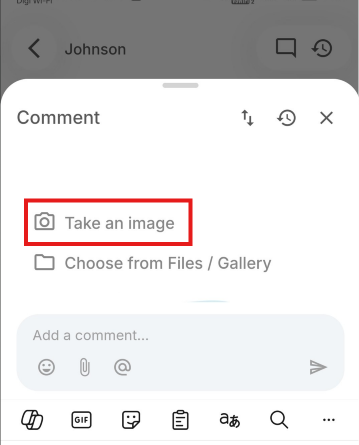
 Photos uploaded from an iPhone gallery
Images stored in HEIC format remain in that format when uploaded. HEIC is currently not supported for image previews in the app, so these images may not display a thumbnail or preview.
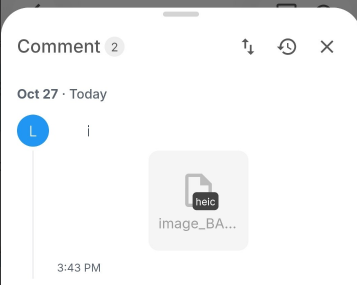
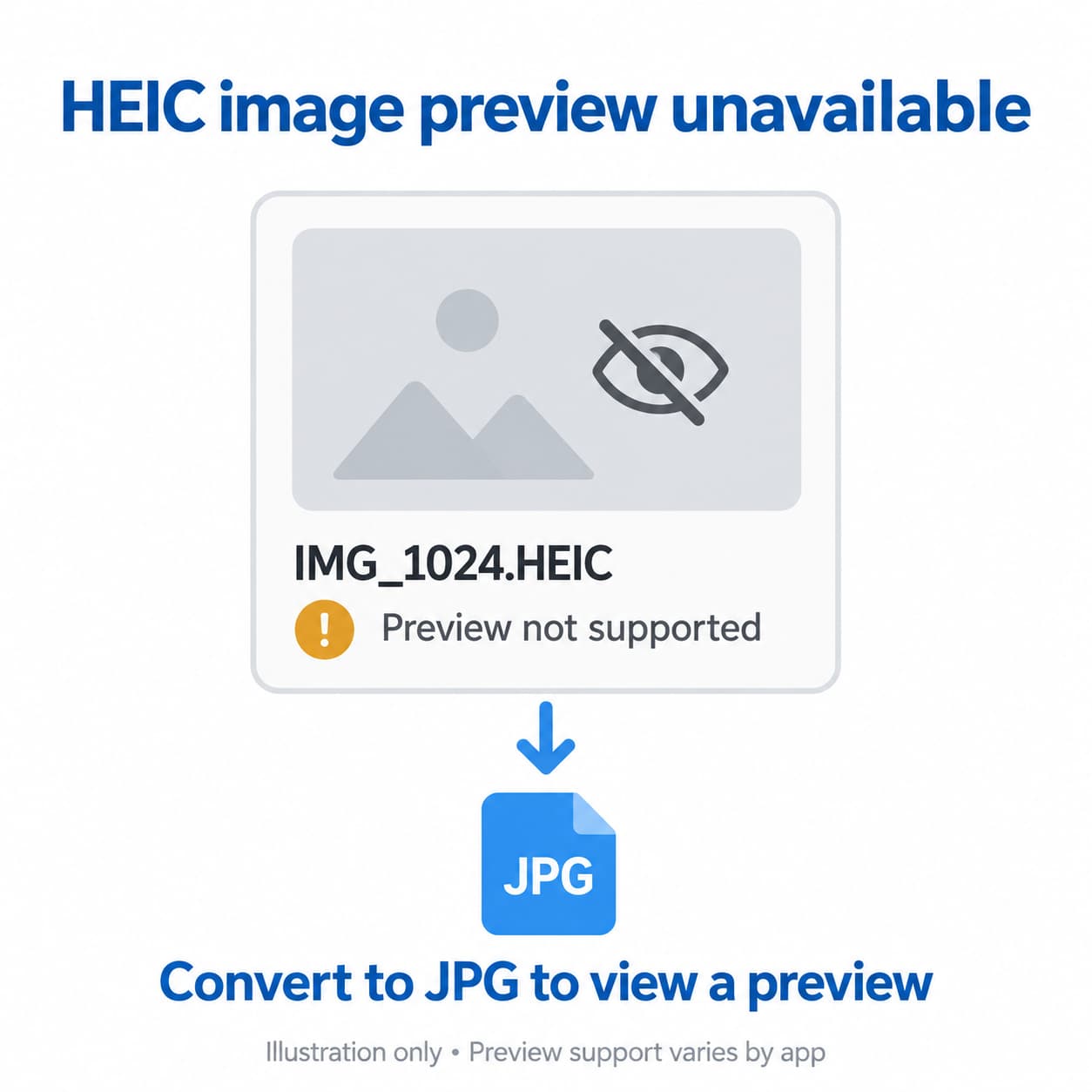
This affects the image preview; the file may still upload successfully. To ensure preview compatibility, convert HEIC images to JPG before uploading.
 Tip for iPhone users
To save future photos in JPEG format instead of HEIC, go to:
Settings → Camera → Formats → Most Compatible
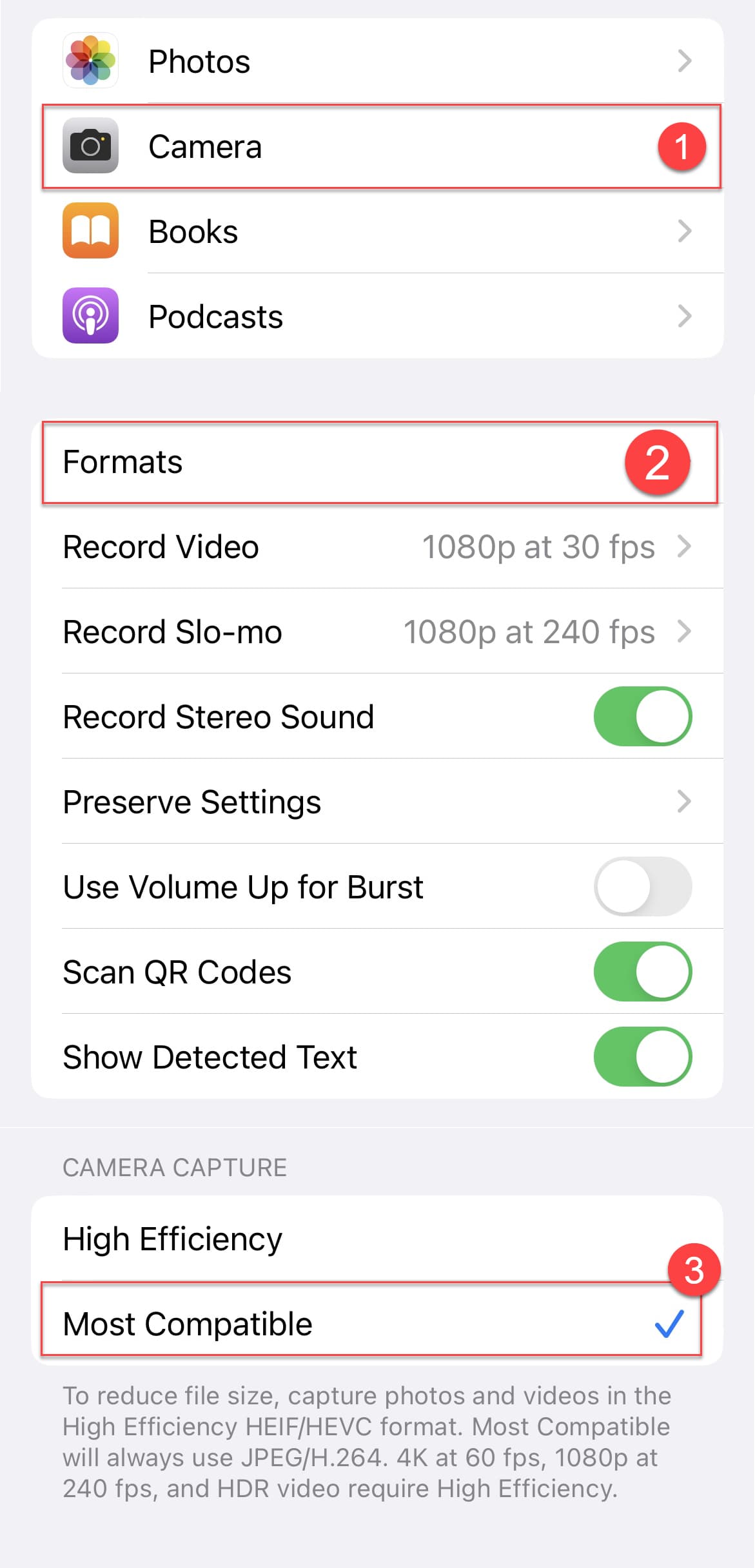
This setting applies to new photos only. Existing HEIC photos will still need to be converted.
 Photos uploaded from an Android gallery
Android devices commonly store photos in JPG or PNG format, so this issue is less common. However, the format depends on your device’s camera and image storage settings.
 Other unsupported file formats
Files in unsupported formats may also upload without displaying a thumbnail or preview.
If a photo preview is missing, check the file format and try uploading a JPG version.