This page will guide you through the easy setup of Inistate MCP for your AI.
Prerequisites
- Make sure Node.js and npm are installed on your machine.
- Inistate API token.
click-to-know-how-to-get-one
- Inistate API base URL. Use https://api.inistate.com unless your workspace uses a different environment.
Steps
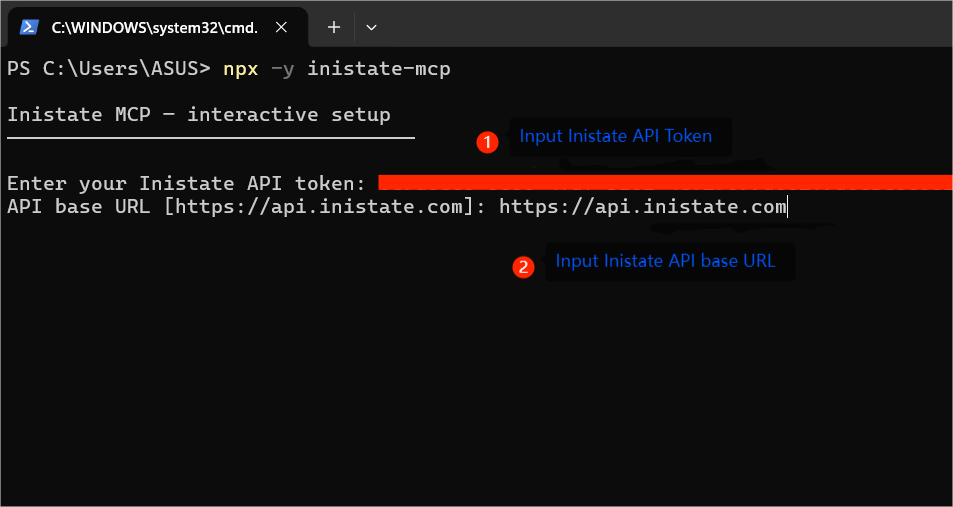
- Run the command in your terminal:
npx -y inistate-mcp
- When the wizard asks for setup values:
-
Input Inistate API Token
-
Input API base URL
-
Choose the MCP client that should receive the configuration.
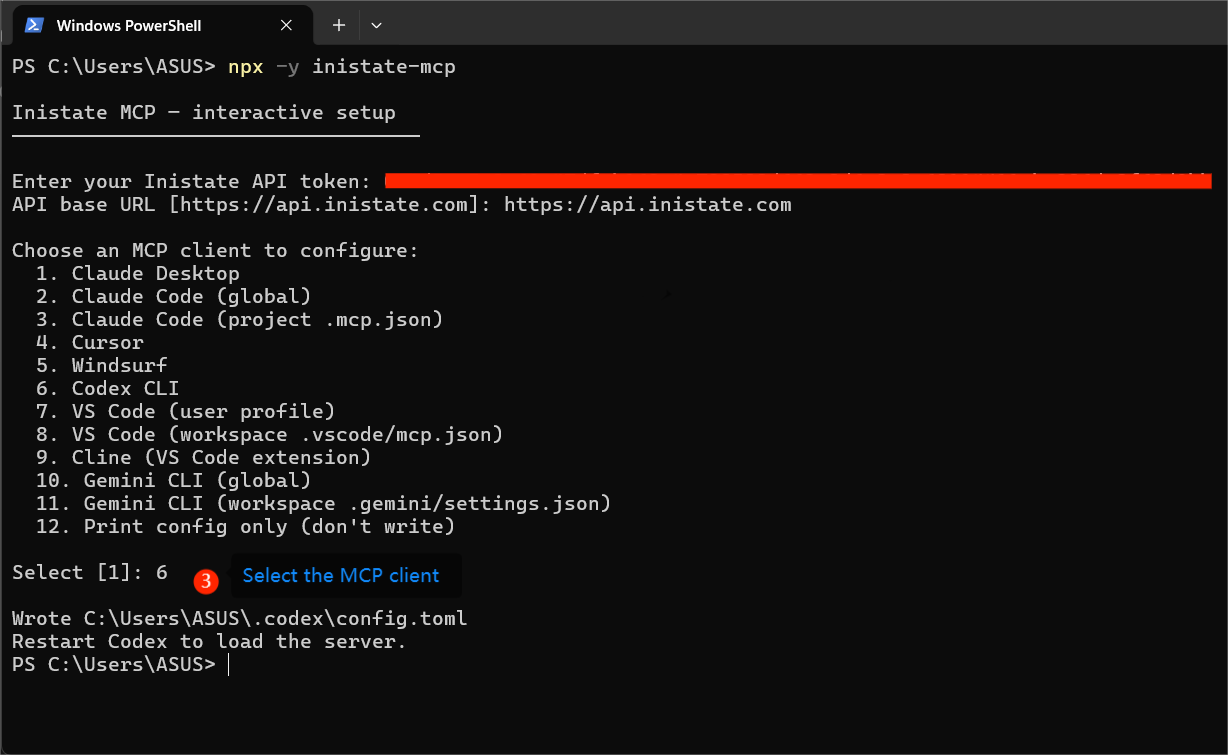
- Restart the MCP client, and done. Inistate MCP is on live

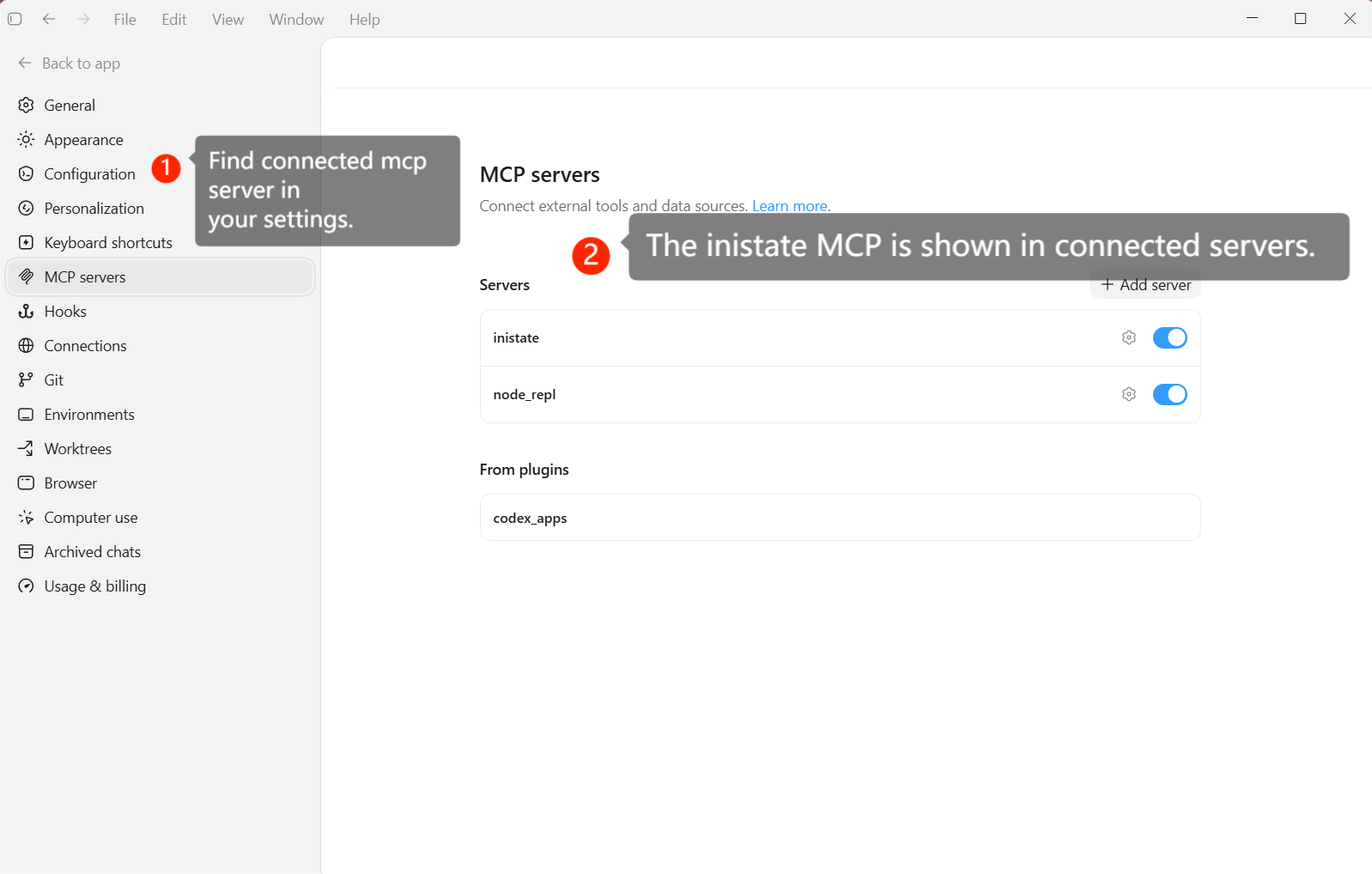
Verify the Inistate MCP
- Go to Settings.
- Go to MCP servers or Connectors.
- You should see
Inistateadded.
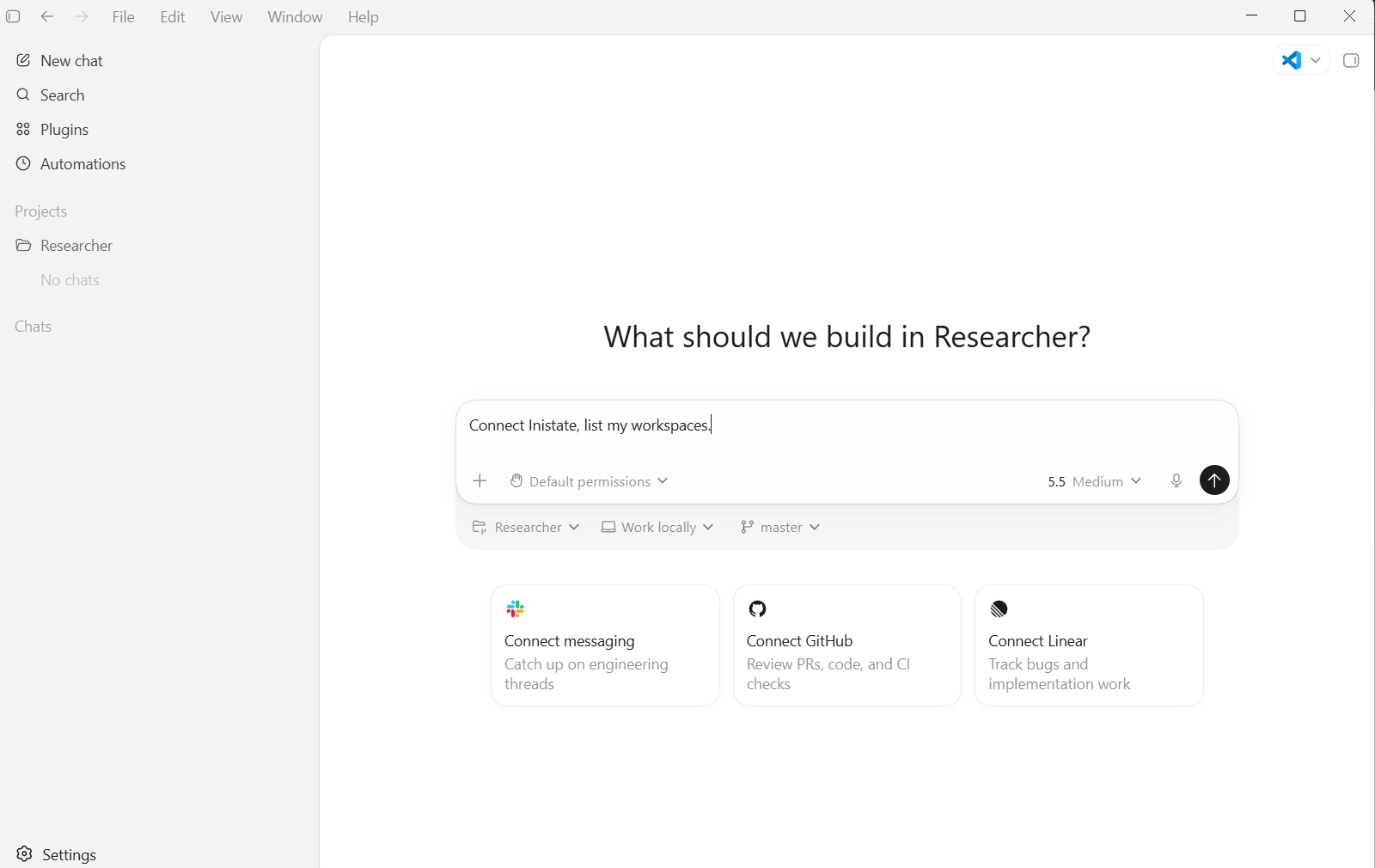
Start Using
Summary
This text will be hidden