Hi Inistate Community!
In this tutorial, we will use Inistate with n8n to manage a field service maintenance process.
When a maintenance job changes to Scheduled in Inistate, n8n will automatically create a Google Calendar event .
Instead of keeping one n8n workflow waiting for the whole maintenance process, Inistate manages the job state , while n8n performs the automation when the state changes .
Before Getting Started
First, create a Property Maintenance module in Inistate.
Add the following information:
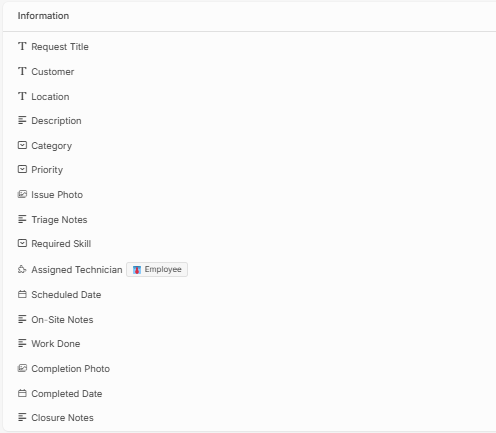
Configure the following states:
New → Assigned → Scheduled → In Progress → Completed
n8n Step-by-Step Integration
Step 1 – Add the Inistate Trigger
Create a new workflow in n8n .
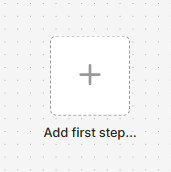
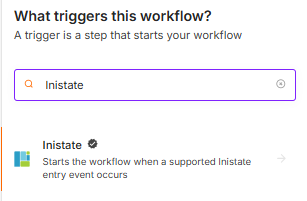
Click Add first step and search for:
Select the Inistate Trigger node.
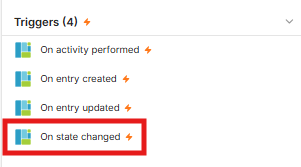
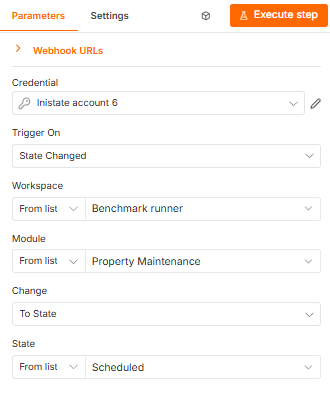
Configure the trigger as:
Connect with Credential and select Workspace and Module:
Can follow : How to Connect Inistate to n8n to set up the Inistate Node.
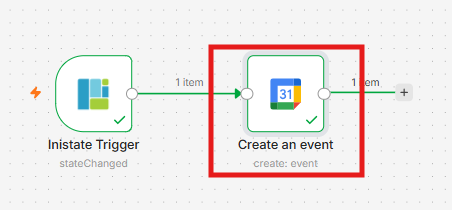
Step 2 – Create the Google Calendar Event
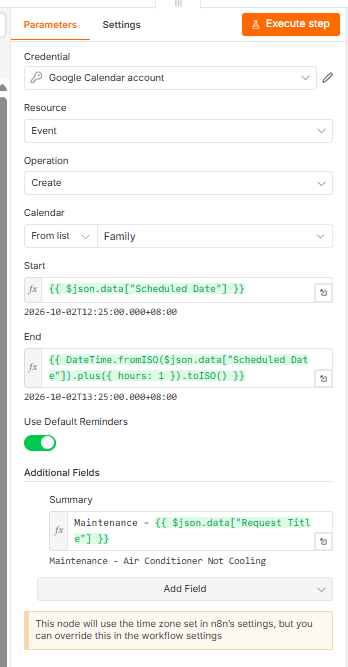
Add a Google Calendar node.
Configurate as below:
Step 3 – Test the Workflow
Click “Execute Workflow” in n8n.
Change one maintenance entry in Inistate from:
Assigned > Scheduled
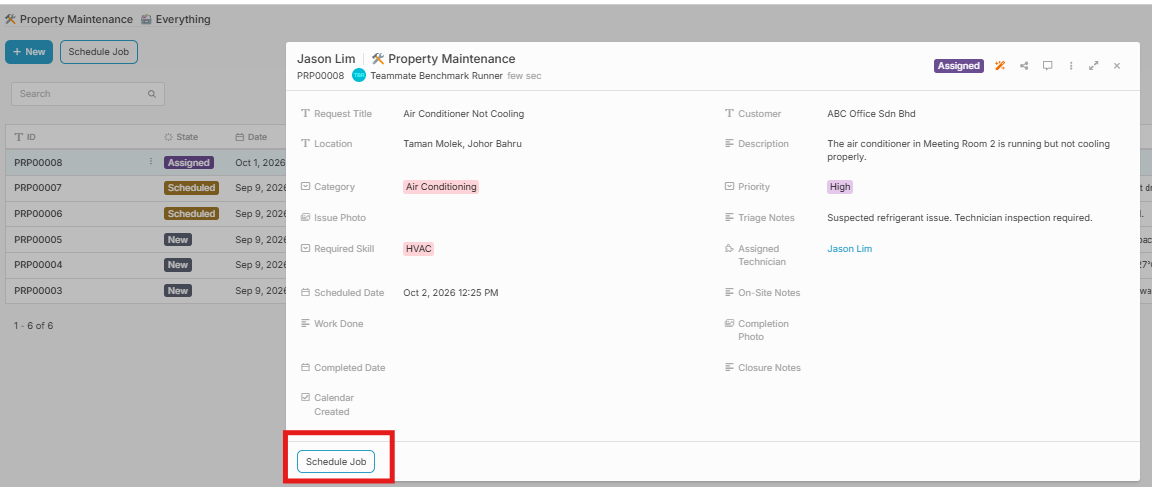
n8n will receive the State Changed event and create the Google Calendar event automatically.
Open Google Calendar and confirm that the maintenance schedule has been created.
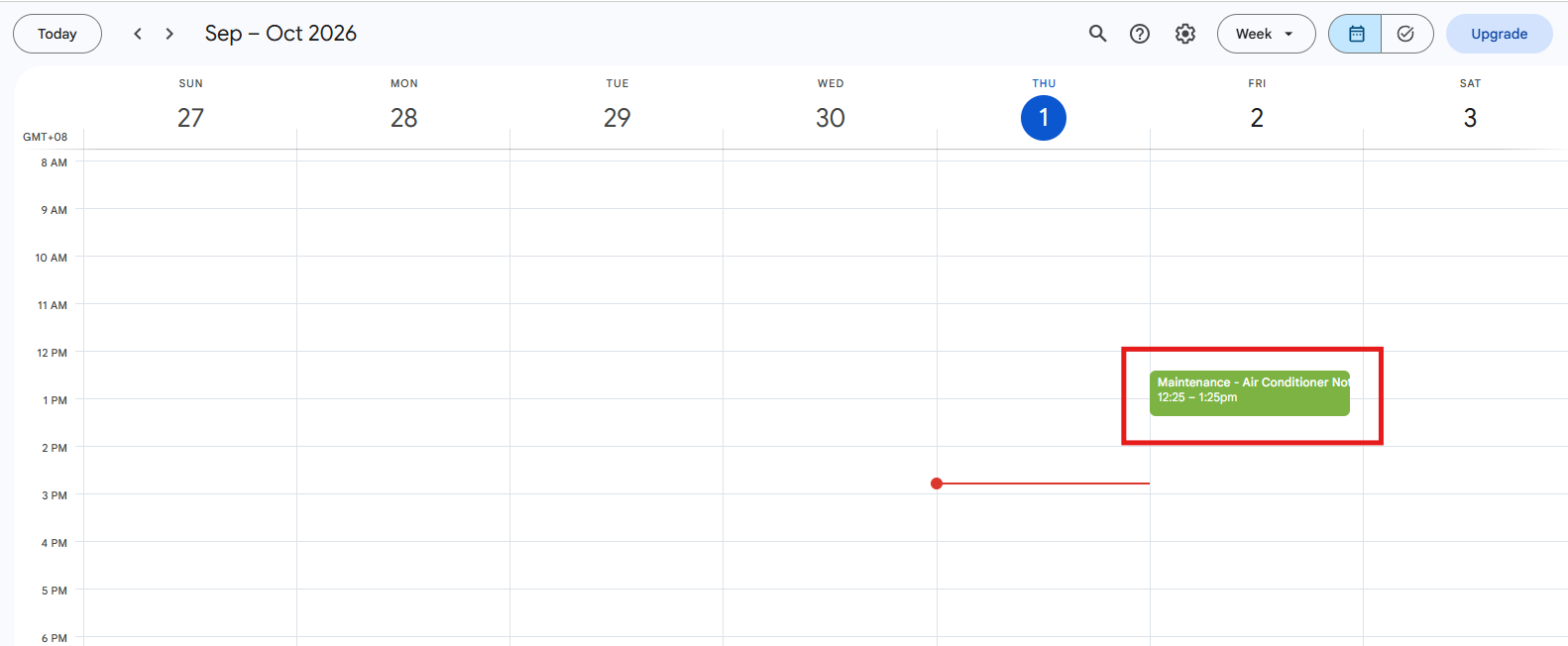
Result
By combining Inistate State Management with n8n , we can manage a long-running field service process without keeping one n8n execution waiting from start to finish.
The maintenance job can remain in Inistate for several days, while n8n only runs when an action is required.